Free Printable Anecdotal Record Form Word Template – Teachers and early childhood educators across the United States rely on anecdotal records to capture authentic student observations. These brief, objective notes document specific behaviors, skills, or interactions as they happen. A free printable anecdotal record form in Word format makes the process simple, editable, and ready to print for classroom use, parent conferences, RTI meetings, or IEP documentation.
This resource page explains what an anecdotal record is, why Word templates work well, and where to download legitimate free editable versions.
What Is an Anecdotal Record Form?
An anecdotal record is a short written description of a significant event or behavior observed in a natural setting. Unlike checklists or rating scales, it focuses on factual details: what the student did, said, or showed, along with the context of date, time, and location.
Educators use these forms for:
- Tracking academic progress and learning behaviors
- Documenting social-emotional development or behavioral patterns
- Supporting data-driven instruction and interventions
- Sharing concrete examples with families or specialists
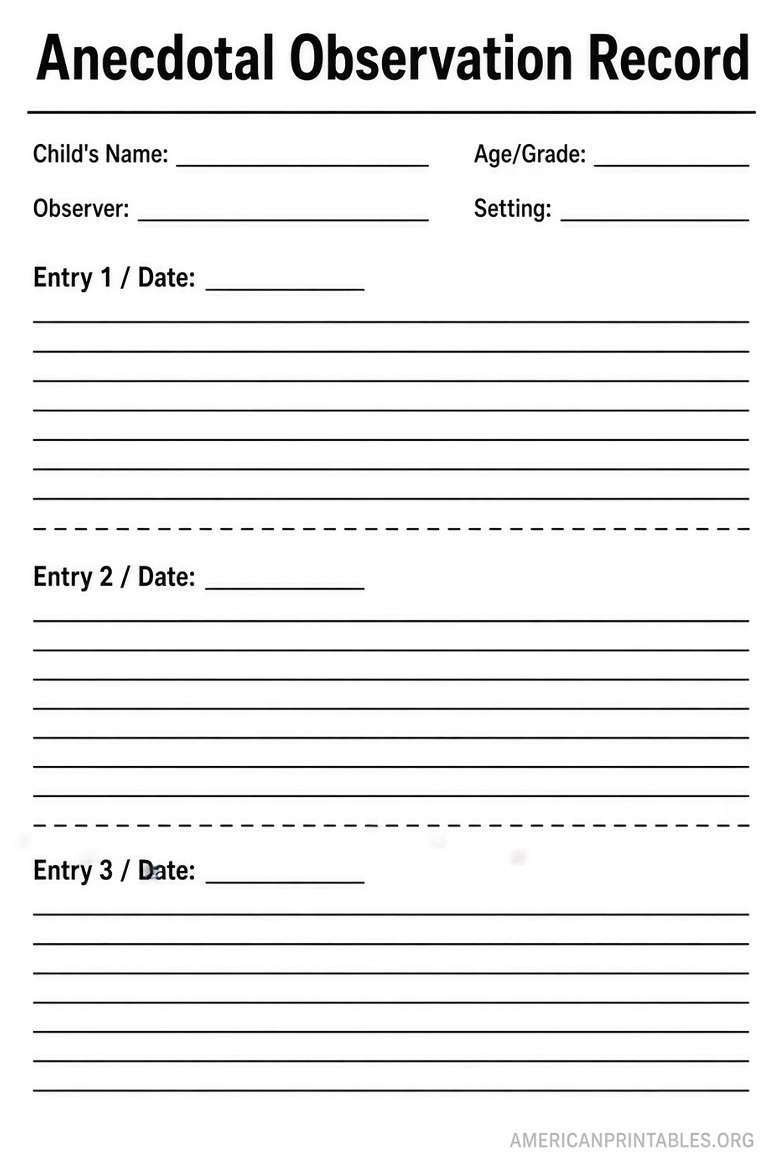
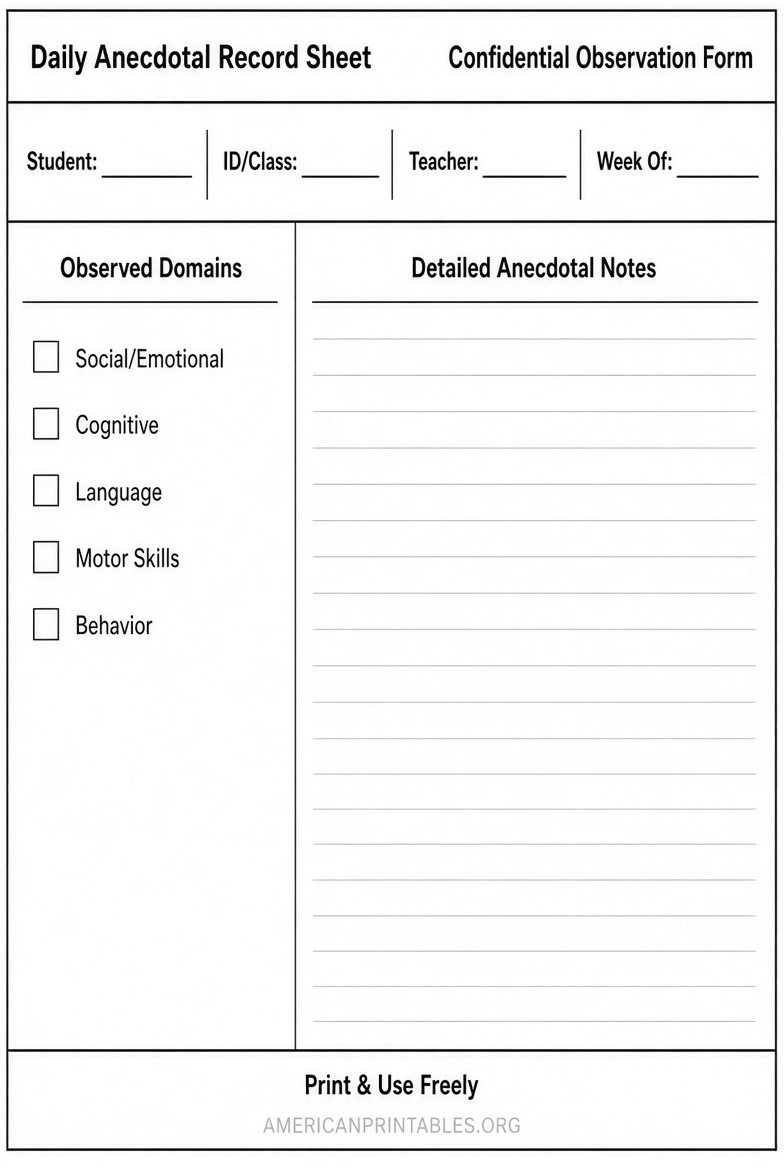
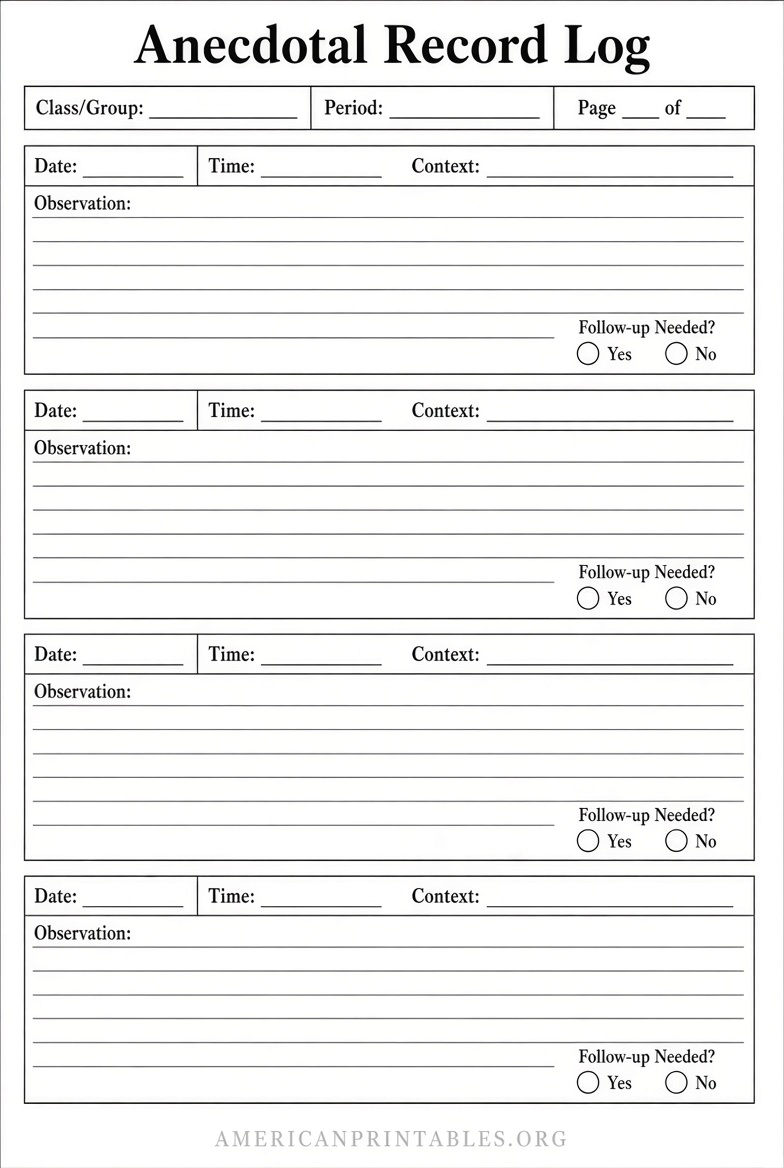
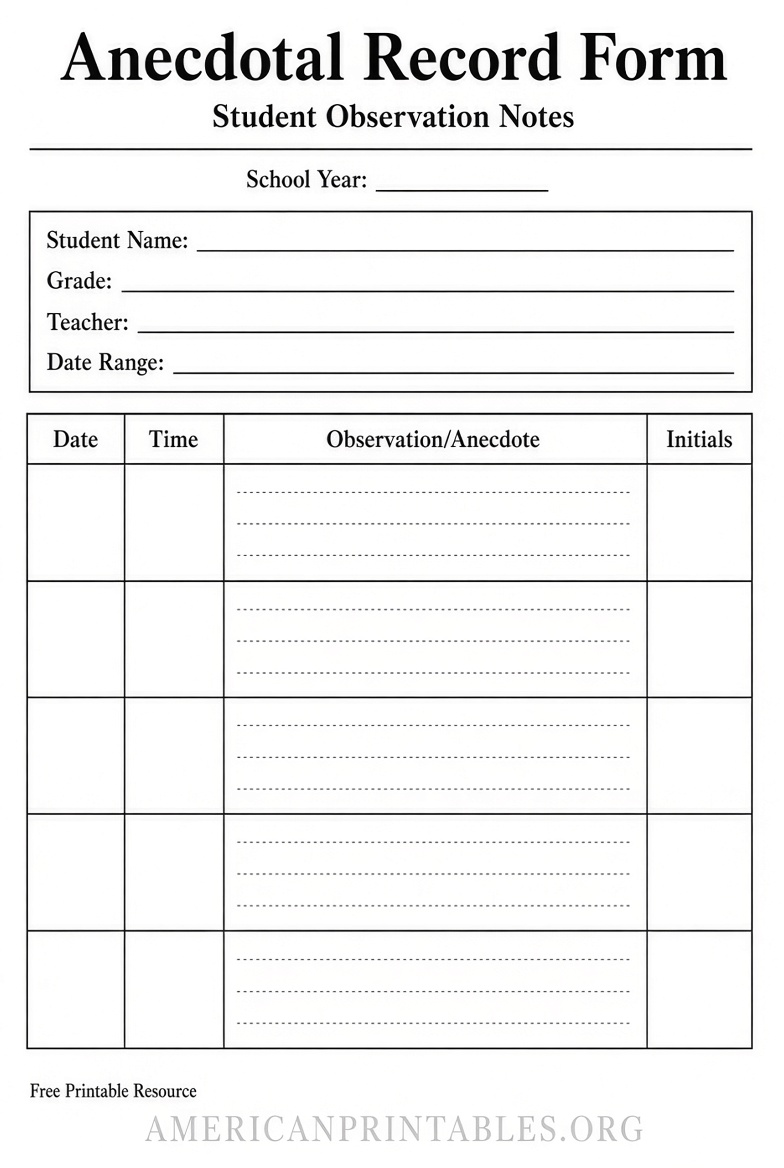
A well-designed form typically includes fields for student name, observer, date, setting, observation period, objective description of the behavior or event, and space for interpretation or next steps.
Why Choose a Free Printable Word Version?
Microsoft Word templates offer clear advantages for U.S. teachers:
- Fully editable so you can add school logos, adjust fields, or customize for specific subjects
- Easy to print multiple copies for binders or clipboards
- Compatible with most school computers and printers
- Simple to save digitally for electronic records while keeping a printable option
Printable PDF versions exist, but Word files give more flexibility for ongoing use without needing specialized software.
Where to Download Free Printable Anecdotal Record Forms in Word?
Here are trusted, free resources available on Teachers Pay Teachers (a widely used platform for educator materials). Create a free account if needed to access downloads. These are confirmed free and editable Microsoft Word documents.
One popular option is the Anecdotal Record Page – Editable by Mary’s Many Makings. It includes headings for student, observer, behavior, date, setting, and observation period, with three records per page. Download it free here: Anecdotal Record Page – Editable (Word).
For behavior tracking, the Anecdotal Behavior Record Form by Ranna Dendel is a fully editable Word document designed to record behavioral data. Find it free on Teachers Pay Teachers by searching the title or browsing free Microsoft Word anecdotal resources.
Another detailed free Word option is the ANECDOTAL RECORDS FORM – DETAILED by Time-Saving Teaching Solutions, created for structured settings and easily customizable for daily academic and behavioral notes. Access it here: ANECDOTAL RECORDS FORM – DETAILED (Word).
Additional free editable Word templates for class checklists and anecdotal notes appear in Teachers Pay Teachers free filters under Microsoft Word format. Search “anecdotal record form free” and select the Word filter for more current options.
Always verify the listing shows “FREE” and “Microsoft Word” before downloading. Avoid sites that require payment or unclear licensing.
Free Printable Anecdotal Record Form Word Template
How to Use an Anecdotal Record Form Effectively?
- Keep blank forms on a clipboard or in a binder for quick access during lessons or free play.
- Write objective descriptions only—what you saw and heard—without immediate judgment.
- Note the context: time of day, activity, peers present, and setting.
- Review notes regularly to identify patterns and plan instruction or supports.
- Store completed forms securely according to your school’s student privacy policies (FERPA guidelines apply in the U.S.).
Customize the Word template by adding columns for specific skills, subject areas, or frequency counts if needed.
Tips for Writing Strong Anecdotal Notes
- Be specific and factual: “During center time at 10:15 a.m., Jordan built a block tower with three peers and offered pieces to others” works better than vague statements.
- Focus on observable actions rather than assumptions about feelings or intent.
- Record both strengths and areas for growth.
- Date every entry and keep records organized by student for easy reference during conferences or team meetings.
Brief FAQ
Is a free Word template legal to use in public schools?
Yes, when downloaded from reputable educator marketplaces that offer free resources under standard terms of use. Customize for your classroom needs.
Can I convert the Word form to PDF?
Yes. After editing in Word, save or export as PDF for digital sharing or printing consistency.
How many observations should I collect?
Aim for regular, ongoing notes rather than a fixed number. Quality and relevance matter more than quantity.
Are there forms specifically for preschool or special education?
Many free Word templates work across grade levels and can be adapted. Search Teachers Pay Teachers for “anecdotal record special education free Word” for targeted options.
A free printable anecdotal record form in Word format helps U.S. educators document student growth efficiently and professionally. Start with one of the editable templates linked above, customize it to fit your classroom, and use it consistently to support meaningful teaching and learning.