Free Printable Door Name Plate Templates – A free printable door name plate template lets you create professional or personalized signs for office doors, classroom doors, home offices, or residential entryways without buying custom engraving. These templates typically come as editable PDFs, Word documents, or online designs you can customize with a name, title, department, or suite number, then print on standard letter-size paper or cardstock.
For USA users, they work well with common home or office printers and fit standard door name plate holders (often 8″ x 2″ or similar sizes). Short paragraphs and clear steps make them practical for quick updates when staff change or rooms are reassigned.
What Is a Door Name Plate Template?
A door name plate (also called a door nameplate or door sign) identifies the occupant, room purpose, or business unit. Printable templates provide pre-designed layouts with placeholder text you replace. Common elements include:
- Name and job title
- Department or company
- Suite or room number
- Optional logo or simple graphic
They range from minimal black-and-white designs to colored layouts. Print on cardstock for durability, then laminate or insert into a plastic holder for a polished look that lasts longer in high-traffic areas.
Why Use a Free Printable Version?
Custom engraved plates cost money and take time. Free printable door name plate templates offer:
- Instant download and editing
- No design software required for many options
- Easy reprinting when information changes
- Professional appearance at low cost
They suit small businesses, teachers, remote workers, and homeowners who want clear identification without permanent fixtures.
Where to Find Legitimate Free Printable Door Name Plate Templates?
Here are trusted, current sources with actual free downloads or online editors (verified as free to use and customize for personal or office needs). All links open in a new tab.
- Edit.org offers free printable office door signs and nameplate-style templates. Click a design, edit text (name, title, availability notes), then download as PDF for printing. Ideal for professional office use.
Edit free office door sign templates on Edit.org - Canva provides thousands of free, customizable name tag and label templates that adapt easily into door name plates. Adjust size, fonts, colors, and add a logo, then download as PDF or image. Free account required for full access.
Browse free name tag templates on Canva - Northwestern Engineering supplies free Microsoft Word templates for office, suite, cubicle, and room door signage. Download the .doc or .docx files, edit the fields, and print. These are clean, professional layouts originally created for campus use.
Download free Word door signage templates from Northwestern Engineering - Avery Design & Print Online lets you create free name badge and plate-style designs sized for their products (or plain paper). Search templates, customize, and print at home. Useful if you already use Avery label stock for consistent results.
Start designing free templates with Avery Design & Print
Limit yourself to these authoritative options. Avoid random sites that require paid memberships or bury free files behind ads—stick to platforms that clearly state free download or edit access.
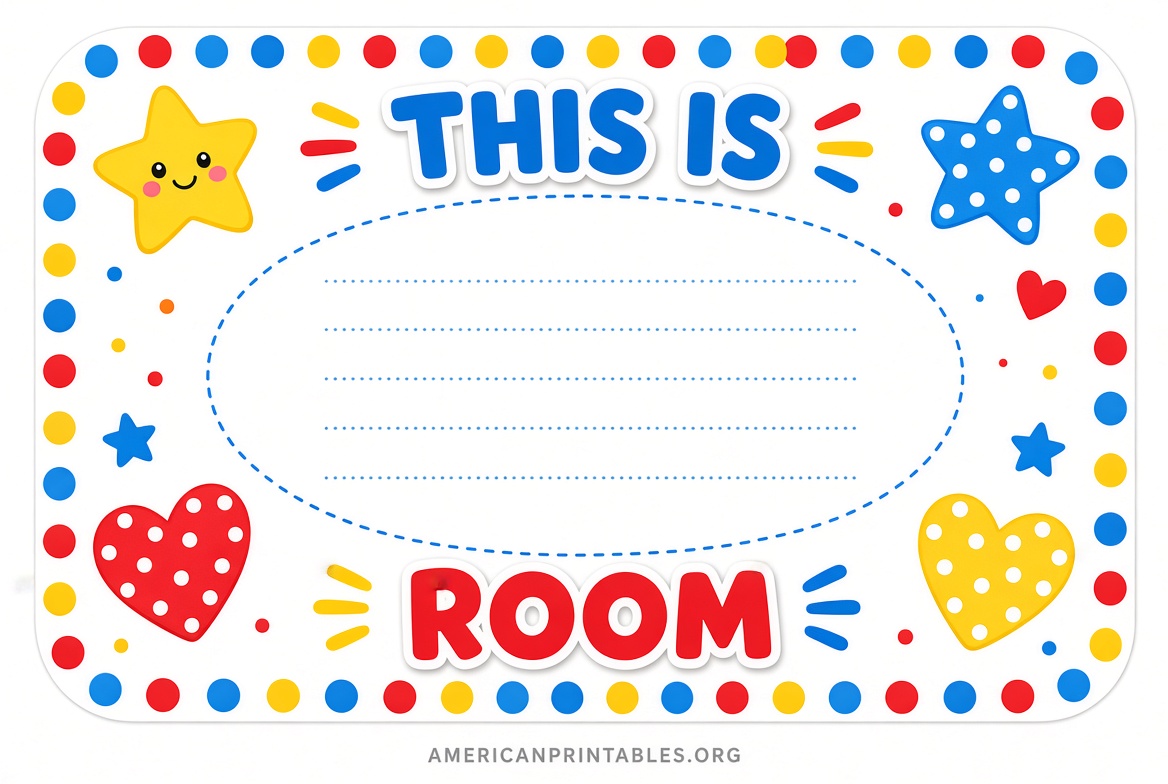
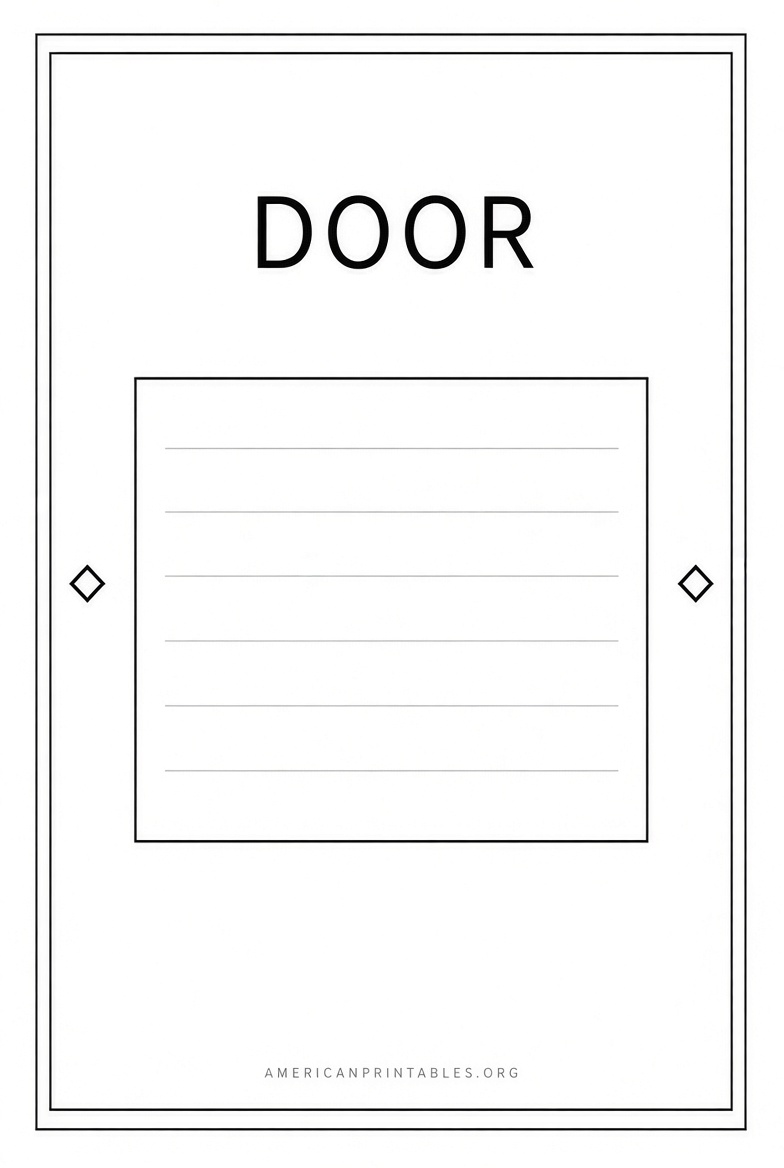
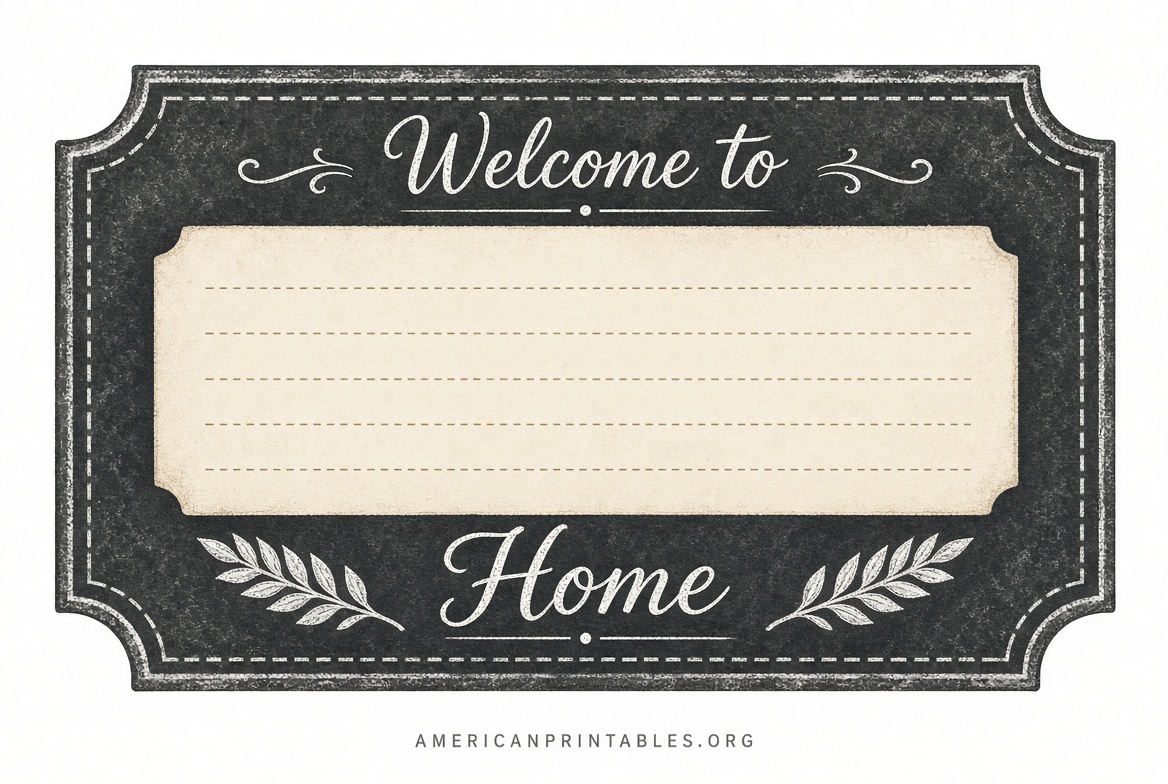
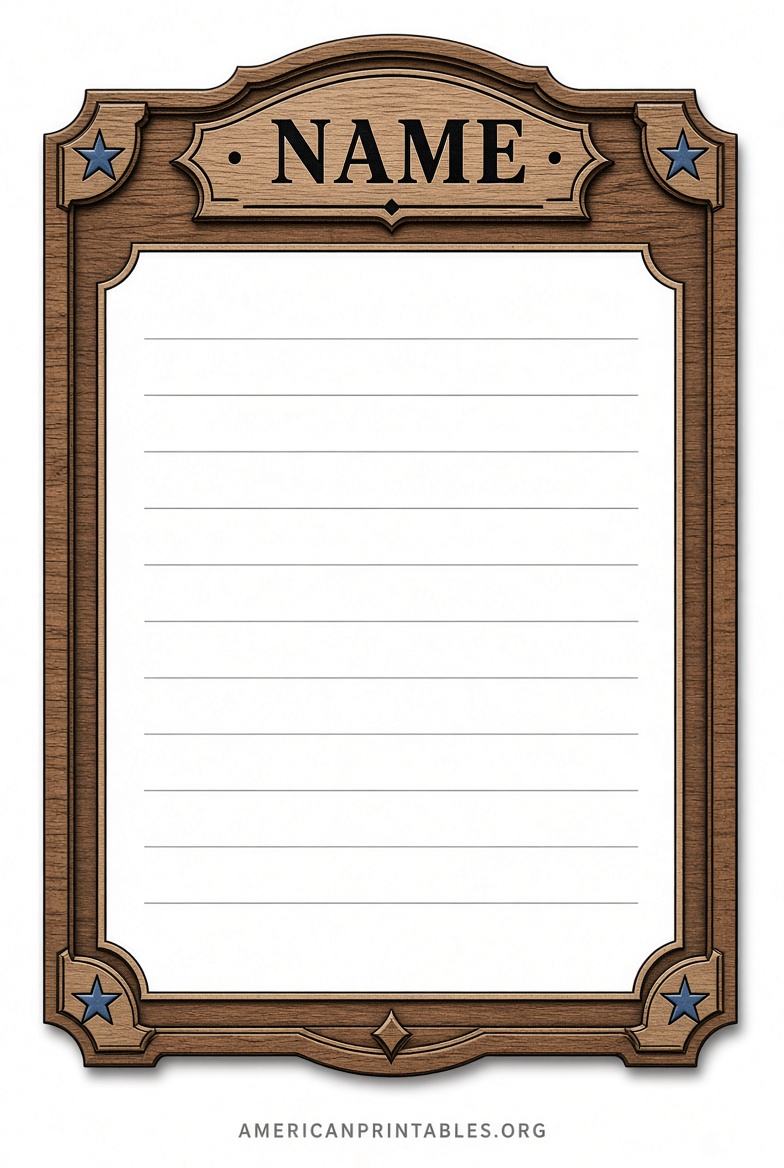
Free Printable Door Name Plate Templates
How to Customize and Print Your Door Name Plate?
- Choose a template that matches your needs (simple for offices, colorful for classrooms).
- Replace placeholder text with accurate information. Keep fonts large and high-contrast for readability from a few feet away.
- Add a logo only if space allows and it stays clear when printed.
- Download as PDF (preferred for exact sizing) or Word file.
- Print on 8.5″ x 11″ cardstock or heavy paper using your inkjet or laser printer. Select “actual size” or 100% scale—do not fit to page.
- Cut to size if needed, laminate for protection, or slide into a clear acrylic door name plate holder.
Test-print one copy first to check alignment and ink quality. For outdoor or high-moisture areas, consider weather-resistant paper or a sealed holder.
Tips for Best Results in US Offices and Homes
- Measure your existing holder or door space before choosing a layout.
- Use sans-serif fonts (Arial, Helvetica, Calibri) for modern clarity.
- Match colors to your brand or school theme when possible.
- Keep text concise—name + title is usually enough.
- Update templates digitally so you can reprint quickly.
- For classrooms, include grade or subject for extra helpfulness.
These steps keep the process fast and the final product professional.
Brief FAQ
Are these templates really free?
Yes. The linked sources provide free editing and download for personal, classroom, or business use as stated on their pages. Canva and Avery may offer premium elements, but core templates remain free.
What paper should I use?
Standard letter-size cardstock (65–110 lb) works best. Laminating extends life.
Can I use them for home doors?
Absolutely. Adapt an office template by removing titles and adding family names or room labels (e.g., “Office,” “Studio”).
Do I need special software?
No. Browser-based editors (Edit.org, Canva, Avery) or free Word programs handle most files.
How do I make them last longer?
Laminate, use plastic inserts, or mount behind clear acrylic holders available at office supply stores.
Free printable door name plate templates give you a quick, low-cost way to add clear identification to any door. Start with one of the trusted links above, customize in minutes, and print a professional result ready for your office, classroom, or home.