Free Printable Beer Bottle Labels & Templates – Looking for free printable beer bottle labels? Whether you’re a homebrewer finishing a batch, planning party favors, creating gifts, or personalizing bottles for a wedding or Father’s Day, free templates make it easy to design professional-looking labels at home.
This guide covers the best legitimate sources for free printable beer bottle labels and templates, recommended sizes for standard U.S. bottles, printing tips, and simple application advice. All linked resources offer free customization or downloads—no invented offers or paywalled “free” claims.
Why Use Free Printable Beer Bottle Labels?
Custom labels turn plain bottles into something special. Homebrewers use them to identify styles, mark brew dates, or add personality. For events, they create memorable favors without the cost of commercial printing.
Free tools let you add your brew name, ABV (if desired), style, or fun graphics. Most work on standard letter-size paper (8.5″ x 11″) common in the U.S. Print on sticker paper or regular paper and apply with glue or tape.
Best Free Sources for Printable Beer Bottle Labels
Here are the most reliable, currently available free options from established platforms:
- Canva offers a large collection of free, fully customizable beer label templates. Browse designs, edit text and colors online, then download as PDF for printing. Ideal for beginners—no design experience needed. Access them at Canva’s free beer label templates.
- Avery provides free beer label design templates and an easy online design tool. Pair them with their blank printable beer bottle labels (or compatible sticker sheets). Customize free, then print at home. Start with Avery’s free beer label templates.
- Adobe Express has free bottle label templates you can edit online. Search or filter for beer-style designs, personalize, and download print-ready files. Visit Adobe Express free bottle label templates.
- Beer Syndicate shares a practical tutorial with free pre-measured Microsoft Word templates sized for 12 oz long-neck bottles and 22 oz/750 ml bottles (front and back). Download the templates and customize in Word. Find them in the free templates section of Beer Syndicate’s how-to-make-beer-labels guide.
These four sources cover online editors, Word templates, and design tools. Stick to them for trustworthy, free options.
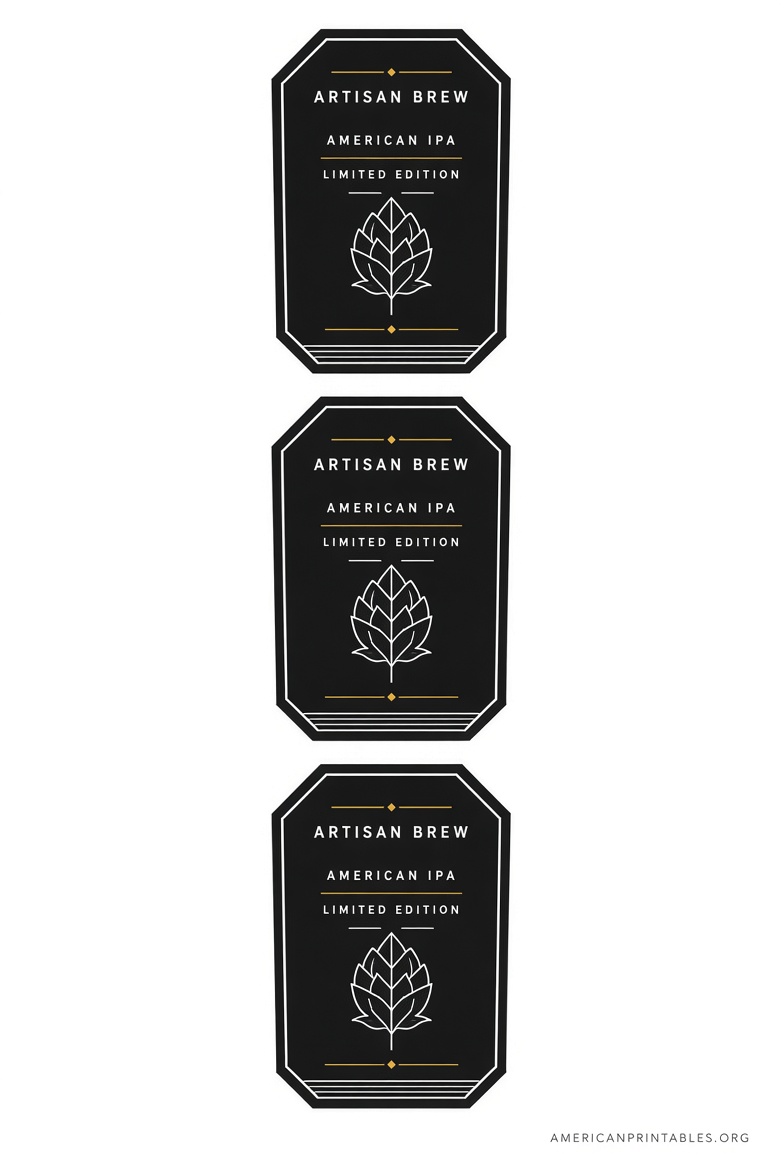
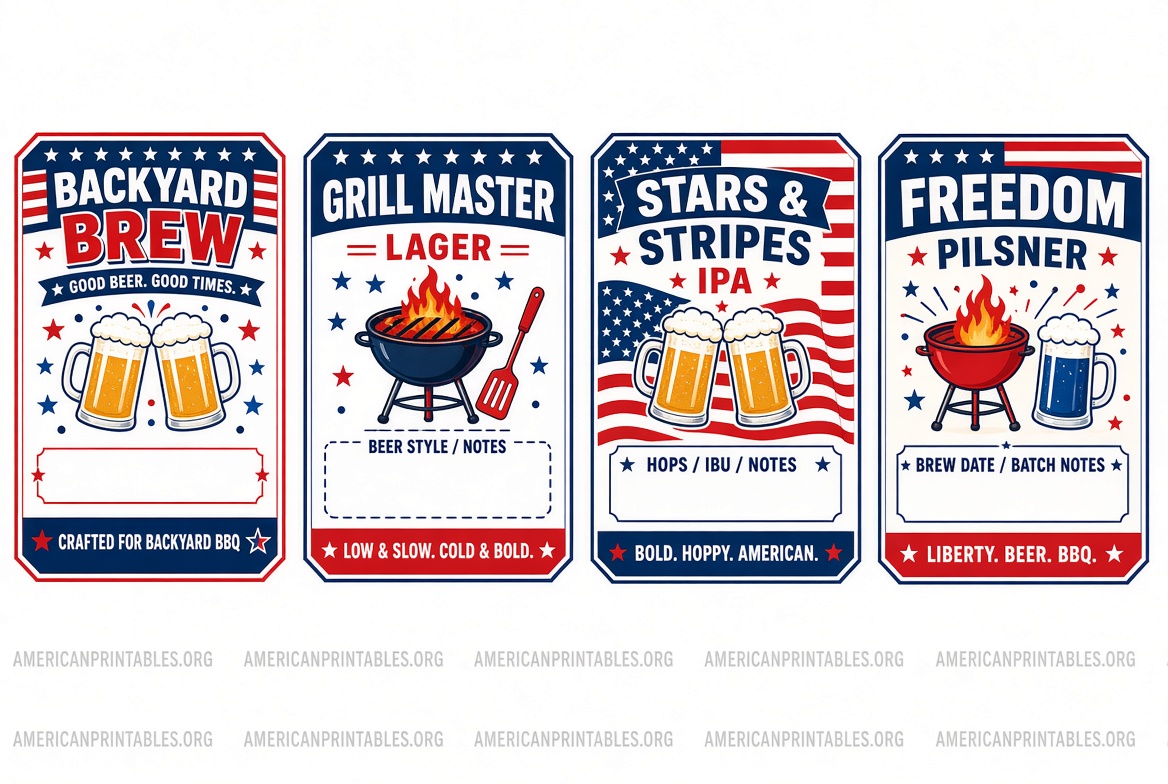
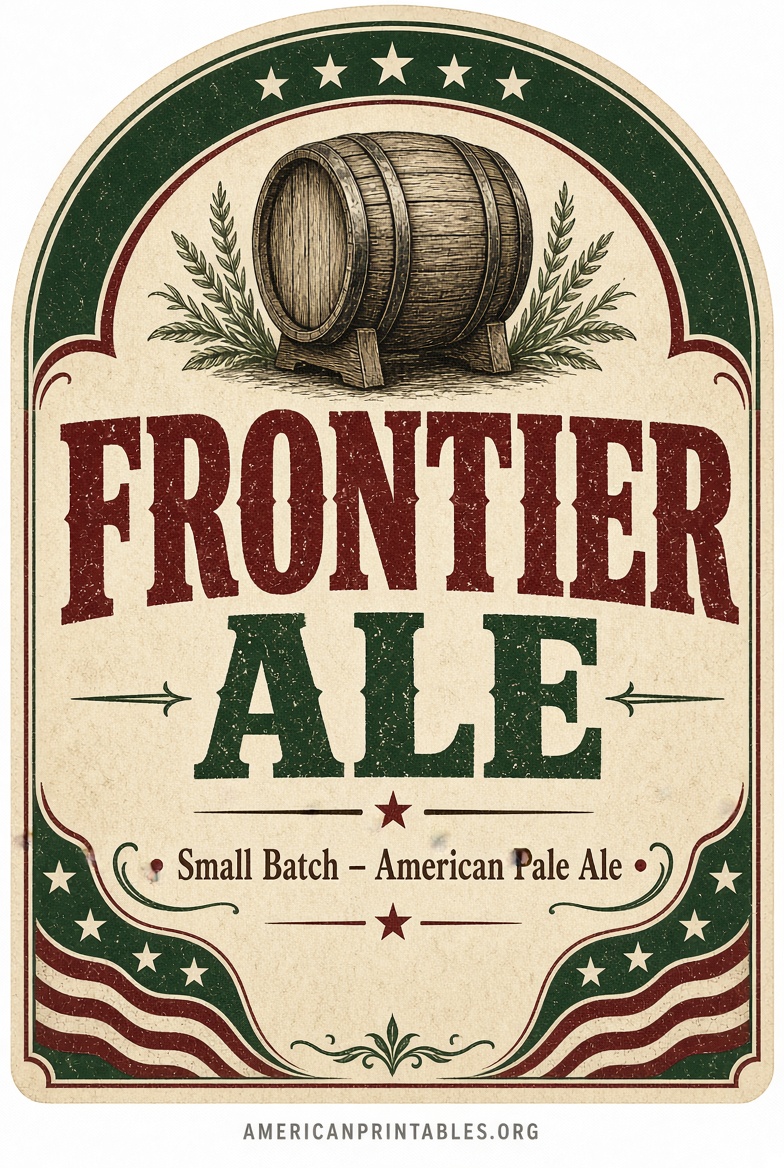
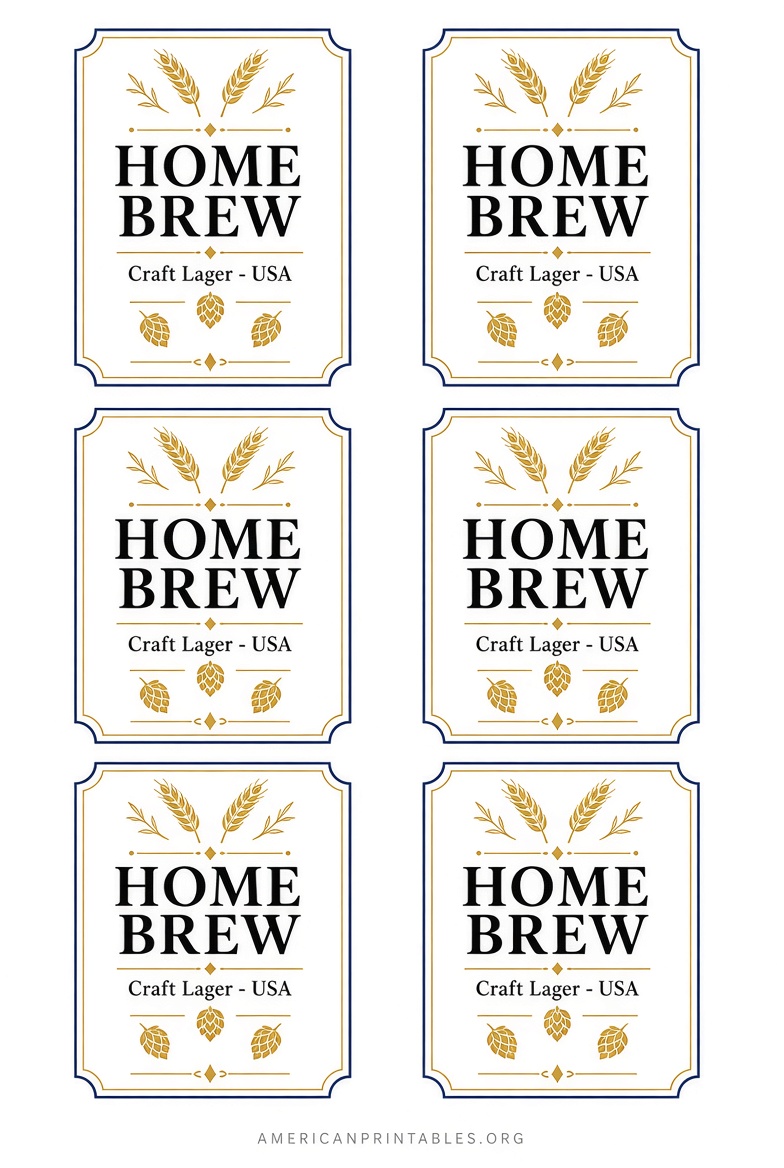
Free Printable Beer Bottle Labels & Templates
Recommended Sizes and Materials for U.S. Bottles
Standard 12 oz long-neck bottles typically work well with front labels around 3.5″ x 3″ (or similar). Larger 22 oz bombers need bigger formats. Always measure your bottles first—neck labels or full wraps vary.
Print a test sheet on regular paper to check fit and alignment before using sticker paper.
For best results:
- Use waterproof or water-resistant sticker paper if bottles will go in ice buckets or the fridge.
- Laser printers handle moisture better than inkjet for regular paper.
- Matte or glossy sticker sheets both work; glossy looks more commercial.
How to Print and Apply Your Labels?
- Choose and customize a free template from one of the sources above.
- Download as PDF (preferred for quality) or high-resolution image.
- Print on letter-size sticker paper or regular paper. Enable “actual size” or 100% scale in your printer settings—avoid “fit to page.”
- Cut carefully along the edges (or use a paper cutter).
- Clean and dry the bottle thoroughly. Peel and stick, or apply with glue stick / Mod Podge for paper labels. Smooth out air bubbles.
For temporary party labels, regular paper + glue works fine. For longer storage or chilled beer, waterproof material is worth it.
Tips for Great-Looking Homebrew Labels
Keep designs simple and readable from a few feet away. Include the beer name and style. Optional extras: brew date, ABV, short description, or a fun illustration. Avoid clutter.
If sharing or selling, check current TTB labeling rules for commercial beer (not required for personal homebrew in most cases).
Match the label style to the beer—rustic for stouts, bold for IPAs, vintage for lagers.
Brief FAQ
Are these really free?
Yes. Canva, Avery’s design tools, Adobe Express templates, and the Beer Syndicate Word files are free to use and download for personal projects. Premium elements or printed products may cost extra, but the basic templates and editors do not.
What paper should I buy?
Look for “printable sticker paper,” “waterproof label paper,” or Avery-compatible sheets at office supply stores or online. Letter size is standard in the U.S.
Can I use these for commercial beer?
Personal and party use is fine. Commercial sales have strict federal labeling requirements—consult official TTB resources.
Do I need special software?
No. Browser-based tools (Canva, Adobe Express, Avery) work in any modern browser. Word templates open in Microsoft Word or free alternatives like LibreOffice.
Free printable beer bottle labels make homebrewing and gifting more fun and professional. Start with Canva or Avery for the easiest experience, or grab the Beer Syndicate Word templates if you prefer offline editing. Measure your bottles, print a test sheet, and enjoy labeling your next batch. Cheers!