Free Editable Printable Work Order Template – A clear, professional work order keeps service calls, repairs, and maintenance jobs organized. For contractors, facilities teams, HVAC techs, plumbers, and small businesses across the USA, an editable free printable work order template saves time, reduces disputes, and creates a solid paper trail from authorization to customer sign-off.
This resource page explains what a work order is, what fields matter most, how to choose and customize a template, and where to download legitimate free options you can edit and print today.
What Is a Work Order Template?
A work order (also called a job order or service ticket) is the document that authorizes specific work and records what actually happened. It typically includes the customer or requestor details, job location, description of the problem or task, assigned technician, materials and labor used, costs, priority, and signature lines for completion.
Unlike an estimate (which prices work before approval) or an invoice (which requests payment after the job), a work order sits in the middle: it confirms the scope the customer already agreed to and captures the real details for billing and records.
Why Use an Editable Free Printable Work Order Template?
Printed or digital work orders help USA-based service businesses:
- Standardize information so nothing important gets missed on the job site.
- Protect against scope creep and payment disputes with clear authorization and signatures.
- Track labor, parts, and time for accurate invoicing and inventory.
- Meet basic documentation needs for property managers, commercial accounts, or internal maintenance.
- Stay flexible—edit in Excel, Word, or Google Sheets, then print for the truck or tablet.
Many free templates calculate totals automatically and let you add your logo, company info, or extra rows.
Key Fields Every Good Work Order Should Include
Look for (or add) these sections when you customize a template:
- Work order number, date issued, and scheduled date
- Customer/requestor name, contact info, service address, and PO number if applicable
- Priority level and assigned technician or crew
- Problem reported (in the customer’s words) and detailed work performed
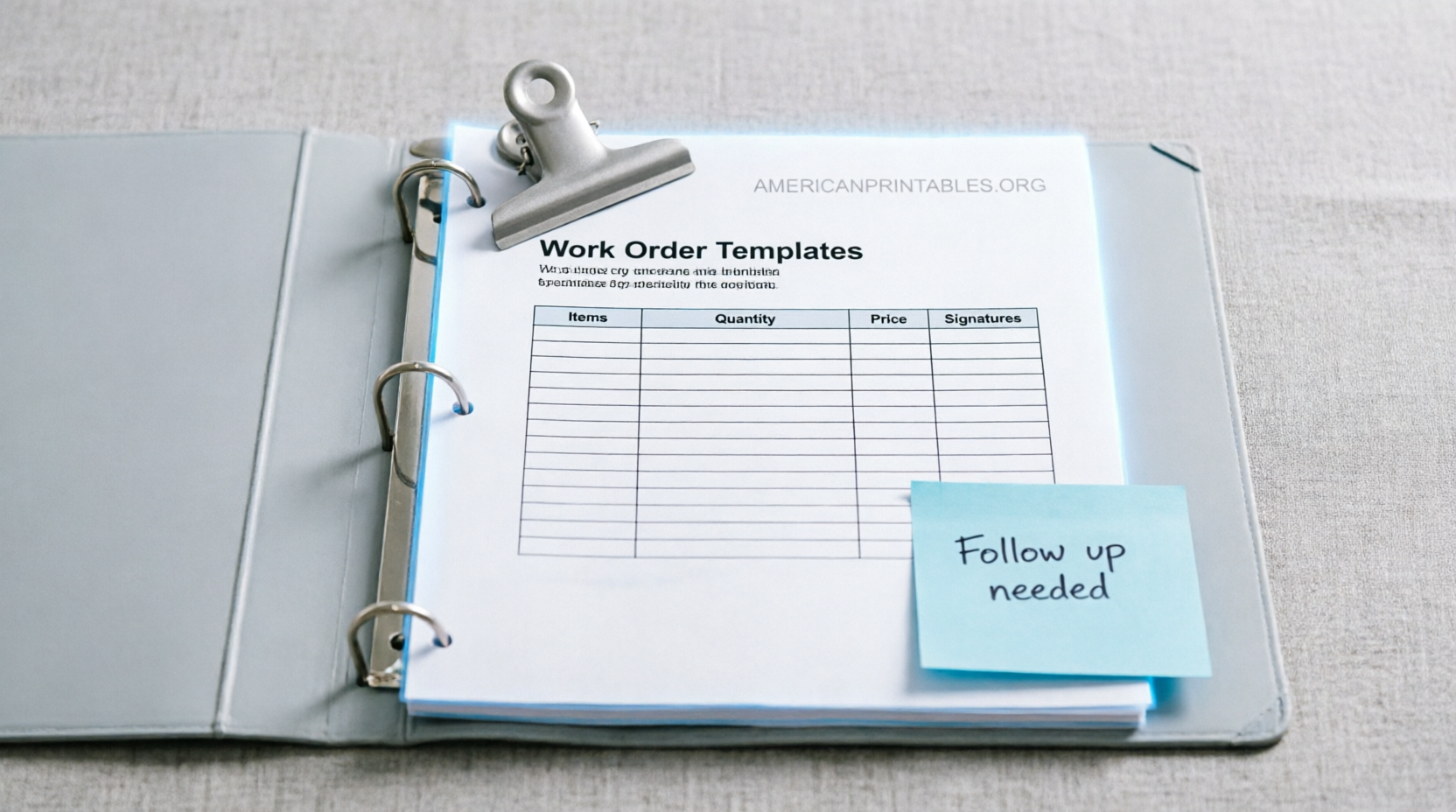
- Materials/parts table (part numbers, quantities, costs) and labor hours/rates
- Trip charges, tax, and totals
- Status (completed, parts on order, return trip needed)
- Signature and date lines for both technician and customer
These fields turn a simple form into a reliable record that supports same-day invoicing and fewer callbacks.
Where to Get Legitimate Editable Free Printable Work Order Templates?
Here are trusted, currently available free resources that offer editable and printable options. All links open in a new tab.
- Vertex42 provides free Excel and Google Sheets work order forms that calculate labor, materials, and tax. They work well for service, repair, and maintenance jobs and can be customized for internal use. Download from Vertex42 Work Order Form Template.
- Simpro offers three free templates (maintenance, construction, and adaptable/general) in Microsoft Word, Excel, Google Docs, and Google Sheets. Direct download links are available on the page with no payment required. Get them at Simpro Free Work Order Templates.
- SimplyWise supplies a one-page free work order template in PDF, Excel, and Google Sheets. No signup is required; it is designed for contractors who need a clean form for the truck and customer signature. Access it here: SimplyWise Free Work Order Template.
- ProjectManager has a collection of eight free work order-related templates for Excel and Word, including a general work order, maintenance request, job card, and job sheet. Find the set at ProjectManager Free Work Order Templates.
- HubSpot offers a free work order template available as Excel and PDF that includes requestor details, priority, description, and signature fields. Download after providing contact information at HubSpot Free Work Order Template.
These sources are established template providers or business software companies. Always verify the latest download options on the page, as formats and requirements can change.
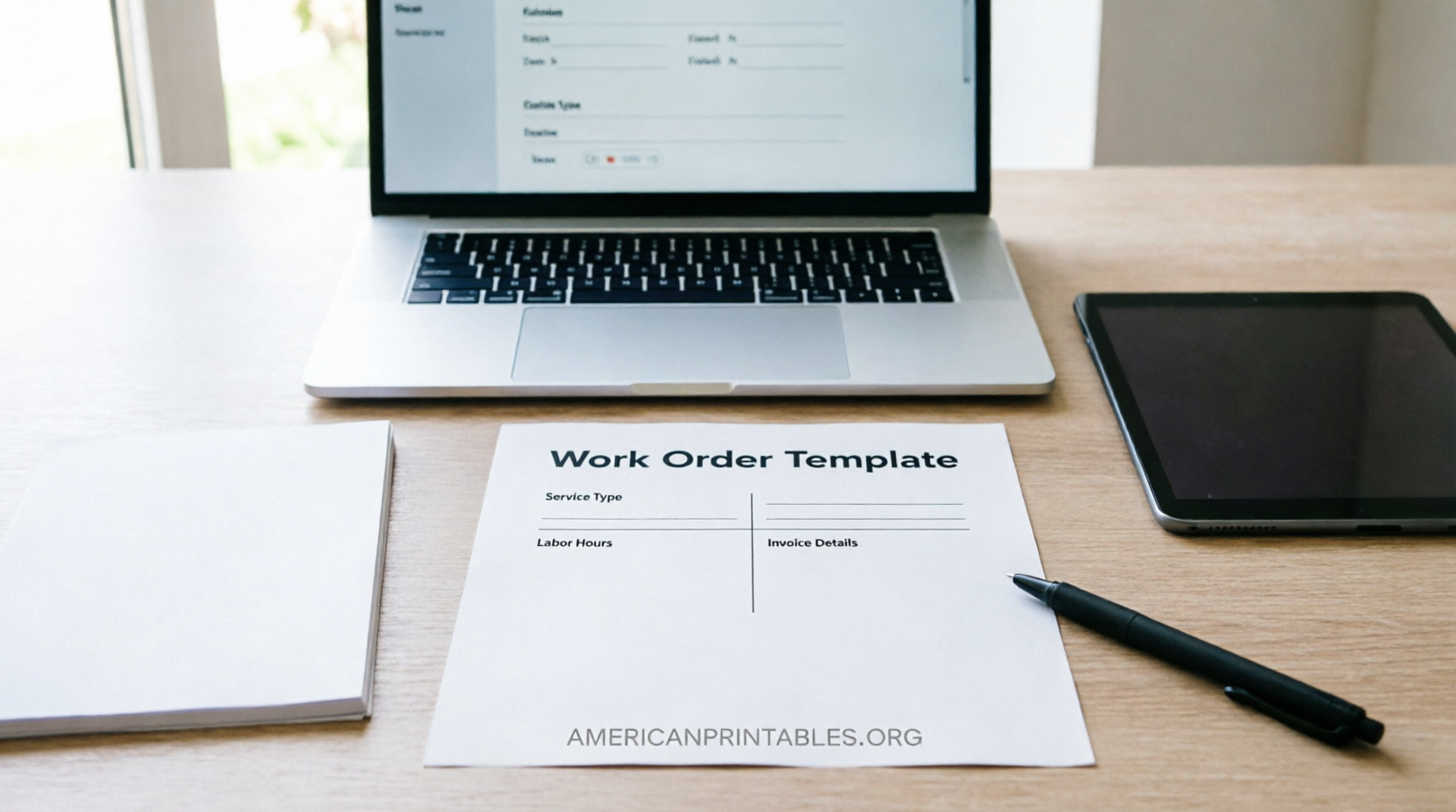
Free Editable Printable Work Order Template


How to Customize and Use Your Template?
- Download the version that matches how you work (Excel or Sheets for calculations and tracking; Word or PDF for clean printing).
- Add your company name, logo, license number, contact details, and any required fields (for example, equipment serial numbers for HVAC or asset tags for facilities).
- Save a blank master copy so you never overwrite the original.
- Fill the header when you schedule the job, complete materials and labor on site, and collect the customer signature before leaving.
- Photograph or scan the signed page if you still use paper, then file or convert it into an invoice the same day.
For high volume, many teams eventually move from printable templates to dedicated work-order or field-service software, but a solid free template is an excellent starting point.
Tips for USA Service Businesses
- Number every work order sequentially and reference it on invoices and purchase orders.
- Write part numbers, not just descriptions, for easier reordering and warranty claims.
- Keep the customer’s original problem statement separate from your diagnosis and work performed.
- Collect signatures on site whenever possible—electronic signatures are widely accepted under the ESIGN Act.
- Check local and state tax rules for labor versus materials; templates that separate the two make compliance easier.
Brief FAQ
Is a free printable work order template legally sufficient?
It provides a clear written record of authorization and completion. For formal contracts or large commercial work, consult your attorney or use it alongside a signed agreement.
Can I edit these templates offline?
Yes. Word and Excel versions work offline in Microsoft Office or compatible programs. Google Docs/Sheets versions can be downloaded for offline use after you make a copy.
Do I need software to use a free work order template?
No. Printable PDF or Word versions work with just a printer. Spreadsheet versions need Excel, Google Sheets, or a similar program.
When should I switch from templates to software?
Consider dedicated tools when paper gets lost, you process more than a handful of jobs per day, or you need real-time status, photo attachments, and automatic invoicing.
An editable free printable work order template is one of the simplest ways to professionalize your service operations. Download one of the options above, customize it to your business, and start using it on the next job. Clear documentation protects both you and your customers and makes billing faster and smoother.