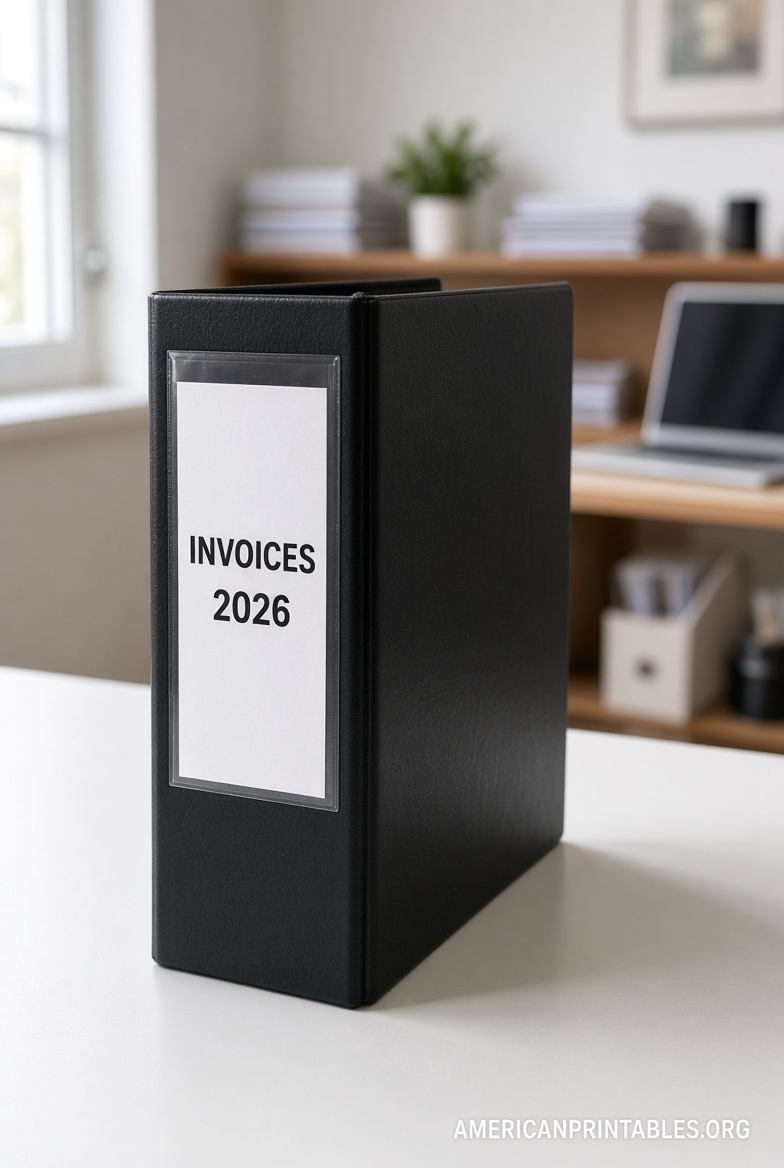
Free Lever Arch File Label Templates Download – Lever arch files (also called lever-arch binders or ring binders with a lever mechanism) help keep papers organized in home offices, small businesses, and workplaces across the USA. Clear spine labels make it easy to find documents quickly without pulling every binder off the shelf.
A downloadable free printable lever arch file label template lets you create professional-looking labels at home using your printer. You can customize text, fonts, colors, and even logos, then print on plain paper, cardstock, or adhesive label sheets.
Why Use Printable Lever Arch File Labels?
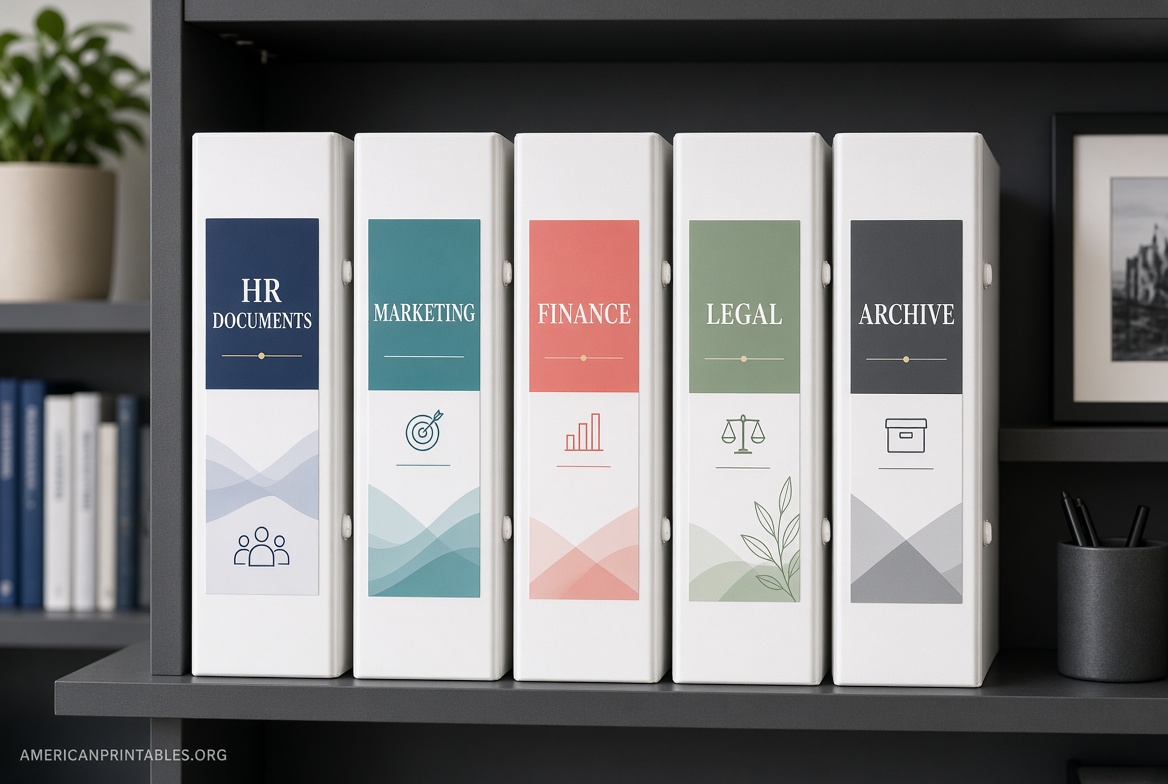
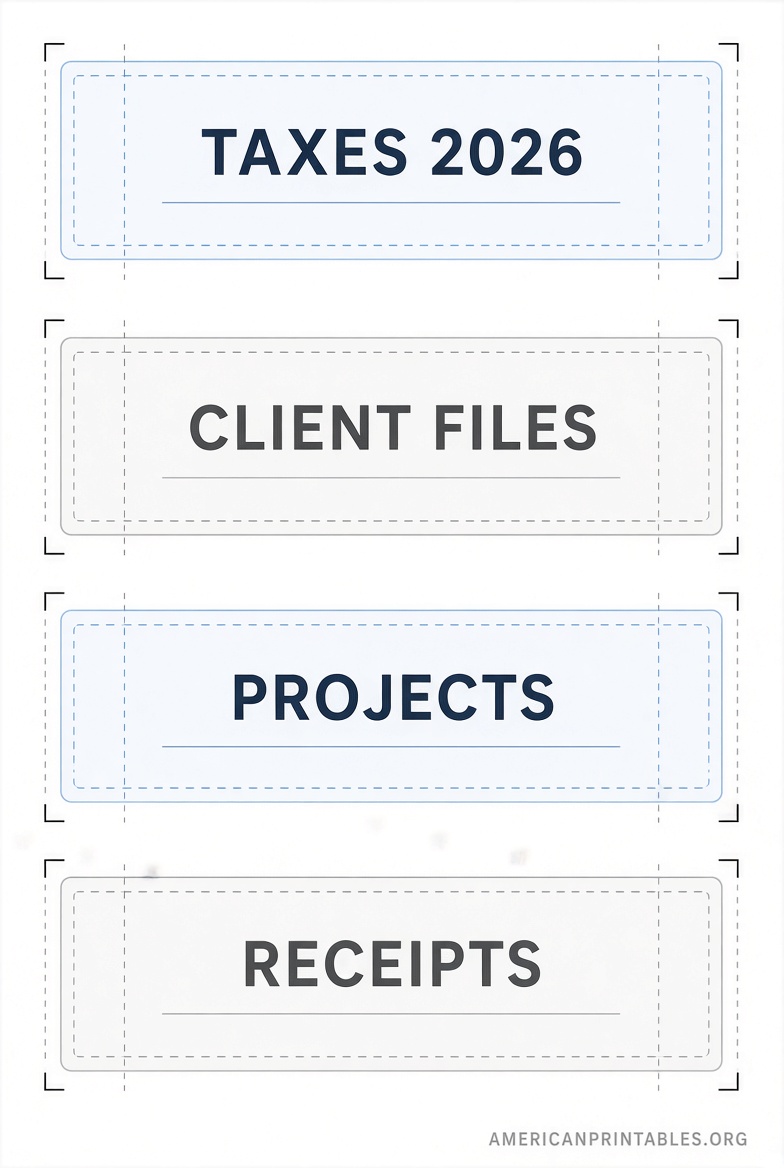
Handwritten labels often look messy and fade. Printable templates produce consistent, readable results. They work for reusing old binders by covering previous titles, color-coding categories (taxes, clients, projects), or matching your office branding.
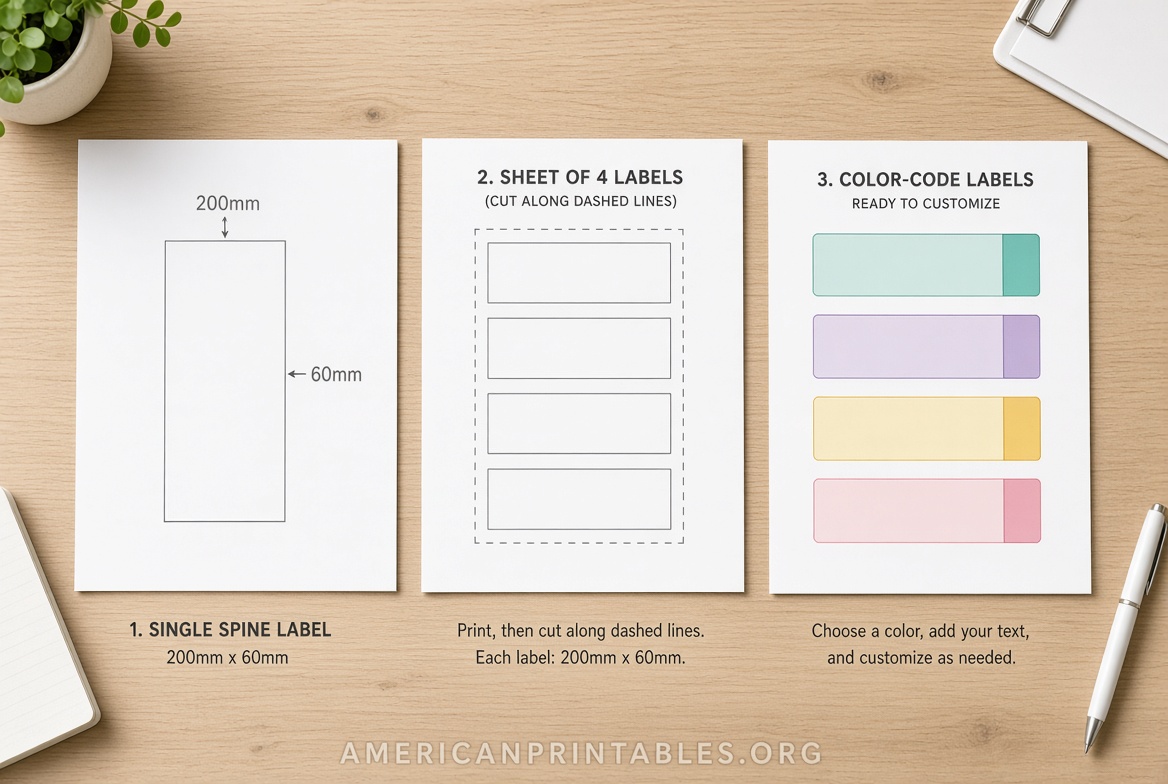
Common sizes for lever arch spines are approximately 200 x 60 mm (about 7.87 x 2.36 inches) or 192 x 61 mm, with 4 labels per A4 sheet. Many USA users adapt these or use standard binder spine inserts (1″, 2″, or 3″ wide) that fit clear plastic pockets on many binders sold domestically. Always measure your specific binder spine height and width first for the best fit.
How to Create and Print Your Labels?
- Measure the spine of your lever arch file or binder.
- Choose a free template or online editor that matches the size.
- Customize the text (title, year, category), font, size, and background. Keep text large and high-contrast for easy reading when binders stand upright.
- Print a test page on plain paper to check alignment and sizing.
- Print final versions on cardstock (for insert-style labels) or compatible adhesive label sheets. Cut carefully along guidelines if needed, then slide into the spine pocket or apply the adhesive label.
Use an inkjet or laser printer. For adhesive labels, check your printer’s settings for “labels” or “thick paper” to avoid jams.
Free Lever Arch File Label Templates Download
Trusted Places for Free Printable Templates
Here are legitimate, free resources that provide actual downloadable templates or browser-based editors (no paid software required):
- OpenLabelMaker offers a free online editor specifically supporting lever arch file spine labels in common sizes such as 192 × 61 mm and 200 × 60 mm (Avery L7170/L7171 style layouts, 4 per A4 sheet). No signup needed—design and print directly from your browser: OpenLabelMaker File Folder Labels.
- Labelwerk provides a free binder spine label maker that works with both A4 and US Letter paper. Choose custom dimensions, vertical or horizontal text orientation, fonts, and colors, then print and cut: Labelwerk Free Binder Spine Maker.
- C-Line Products supplies free printer templates for binder label holders in multiple sizes (from ½” to 4–5″). These are designed for printing inserts on standard 8.5″ × 11″ paper that you cut and place into self-adhesive holders: C-Line Free Binder Label Holder Templates.
- Mr-Label offers free downloadable Microsoft Word, PDF, and LibreOffice templates for 200 × 60 mm lever arch labels (4 per A4 sheet), plus an online design option: Mr-Label 200 x 60 mm Templates.
- Avery Design & Print Online is a free web tool with thousands of templates. Search for filing or binder-related product numbers (or create custom sizes) to design and download print-ready files that work with many Avery label sheets available in the USA: Avery Design & Print Online.
These sources provide genuine free tools and downloads as of the latest available information. Avoid sites that require payment for “premium” versions of basic templates or that push unrelated downloads.
Practical Tips for Best Results
- Print on heavier paper or cardstock for inserts that slide into clear spine pockets—this prevents curling.
- Use bold, sans-serif fonts at a size readable from a few feet away.
- Color-code by category (e.g., blue for financials, green for projects) for faster visual scanning.
- If using adhesive labels, choose matte or BlockOut-style opaque options to cover old writing cleanly.
- Store extra printed sheets in a folder so you can replace labels as contents change.
Brief FAQ
What size should I use for a standard lever arch file?
Most standard lever arch spines fit labels around 200 × 60 mm or 192 × 61 mm. Measure yours, as thicknesses vary.
Can I use these with regular US ring binders?
Yes. Many templates adapt to 1″, 2″, or 3″ binder spines, and online editors let you enter custom dimensions.
Do I need special paper?
Plain printer paper works for testing. Cardstock or compatible label sheets give longer-lasting, professional results.
Are the templates really free?
The resources listed above provide free editors and downloads without requiring payment for basic use.
Using a downloadable free printable lever arch file label template is a simple, low-cost way to keep your filing system neat and functional. Measure once, customize your labels, print, and enjoy faster access to the documents you need.