Free Printable Editable Perfect Attendance Certificates – Recognizing consistent attendance helps motivate students and employees across U.S. schools, workplaces, and programs. Free printable editable perfect attendance certificates make it easy to create professional awards without design skills or cost. These templates let you customize names, dates, school or company details, and signatures, then print on standard letter-size paper.
This resource page explains what these certificates are, why they matter, how to customize and print them, and where to find legitimate free editable options.
What Are Perfect Attendance Certificates?
A perfect attendance certificate (also called a 100% attendance award) recognizes someone who missed no scheduled days or sessions during a set period—such as a school term, semester, academic year, or work quarter. Common elements include the recipient’s name, the time period covered, the issuing organization or school name, a clear statement of the achievement, the date, and signature lines for a teacher, principal, or supervisor.
In U.S. K-12 schools, these awards often appear at end-of-term assemblies, end-of-year ceremonies, or monthly recognition events. Workplaces and training programs use similar certificates to highlight reliability. Templates typically come as editable Word, PowerPoint, Google Slides, or browser-based files that export to print-ready PDF.
Why Use Free Editable Perfect Attendance Certificates?
Schools and organizations value them because they:
- Publicly reinforce the importance of showing up consistently.
- Require little time or budget—many free options need no signup.
- Allow personalization so each certificate feels official and specific.
- Work for both individual awards and bulk generation for a whole class or team.
Editable versions save time compared with handwriting names on blank certificates. You can match school colors, add a logo, adjust wording for elementary versus high school audiences, or create versions for employees.
Where to Get Free Printable Editable Perfect Attendance Certificates?
Here are trusted sources that offer free, customizable templates suitable for U.S. letter-size printing. Always verify the current free status on the site, as offerings can change.
Canva provides a large collection of free custom printable attendance certificate templates. Browse designs, edit text, colors, and graphics in the browser, then download or print. Many options work well for perfect attendance awards. Visit the templates page: Canva Attendance Certificate Templates.
Teachers Pay Teachers hosts free educator-created resources. One popular freebie is an editable PowerPoint perfect attendance certificate with fully adjustable text. Log in (free account) to download: Editable Perfect Attendance Certificates Freebie on TPT.
CertFusion offers free perfect attendance (100% attendance) certificate templates for schools and other uses. Customize in the browser, download print-ready PDFs, and optionally bulk-generate from a CSV of names—no signup required for basic use. See the free templates: CertFusion Free 100% Attendance Certificate Templates.
Virtualbadge.io supplies several free editable attendance certificate templates, including a dedicated perfect attendance option. Click to edit and download: Virtualbadge Free Attendance Certificate Templates.
These sources prioritize free access and editability. Avoid sites that require payment after promising free downloads or that add watermarks without clear disclosure.
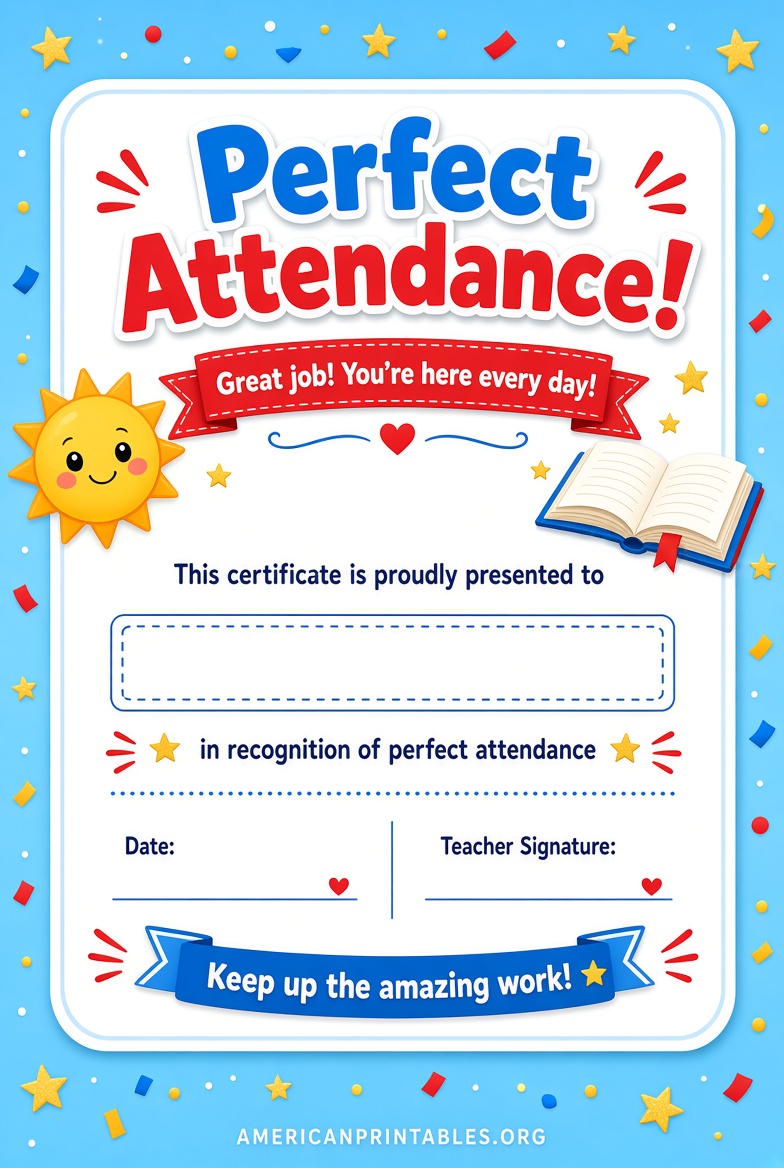
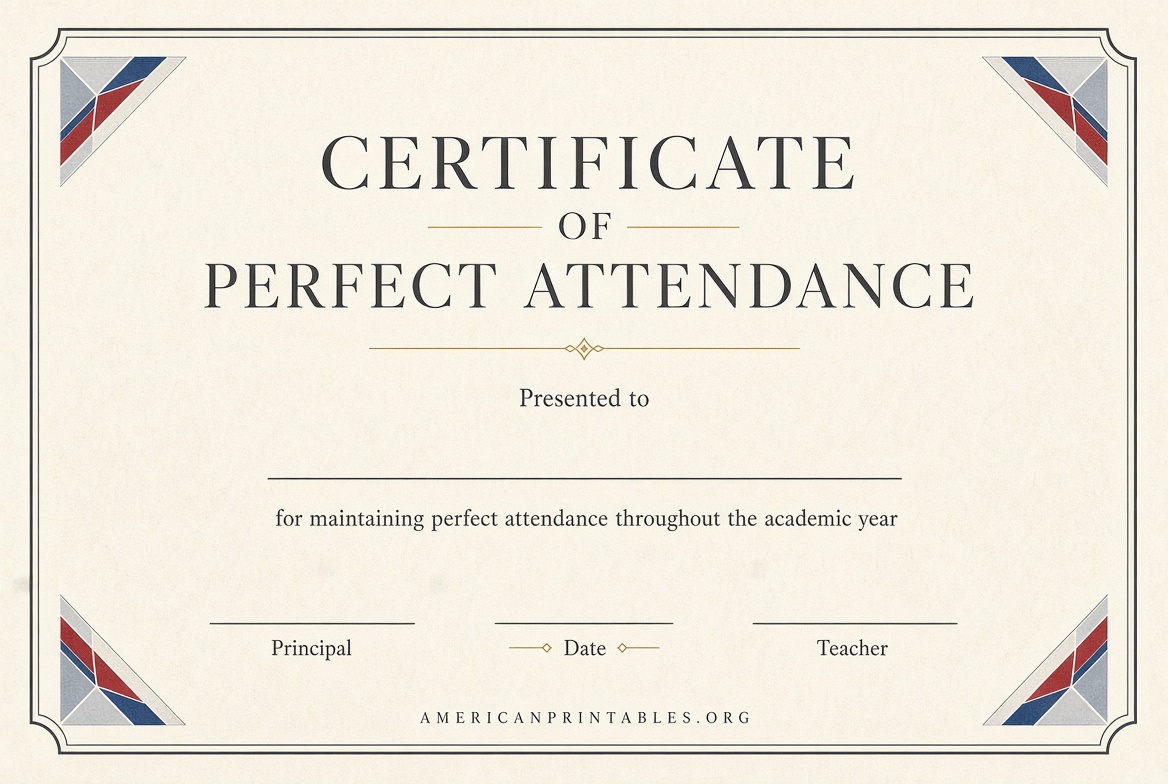
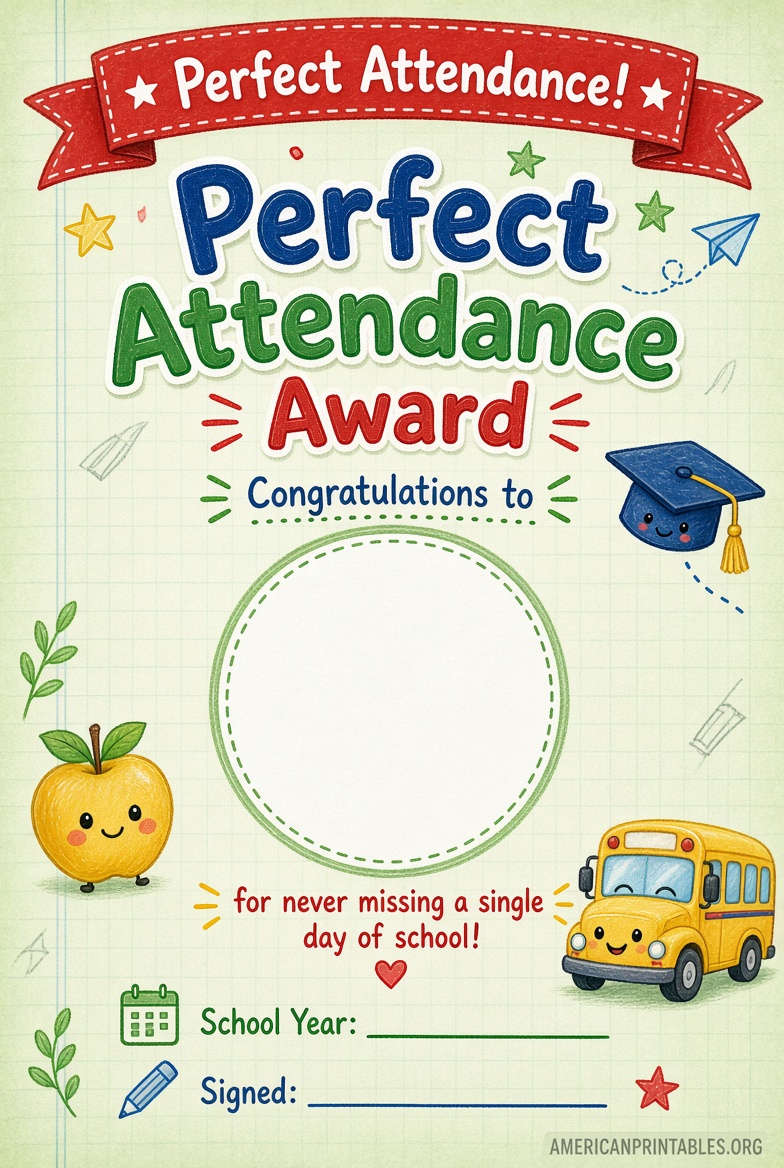
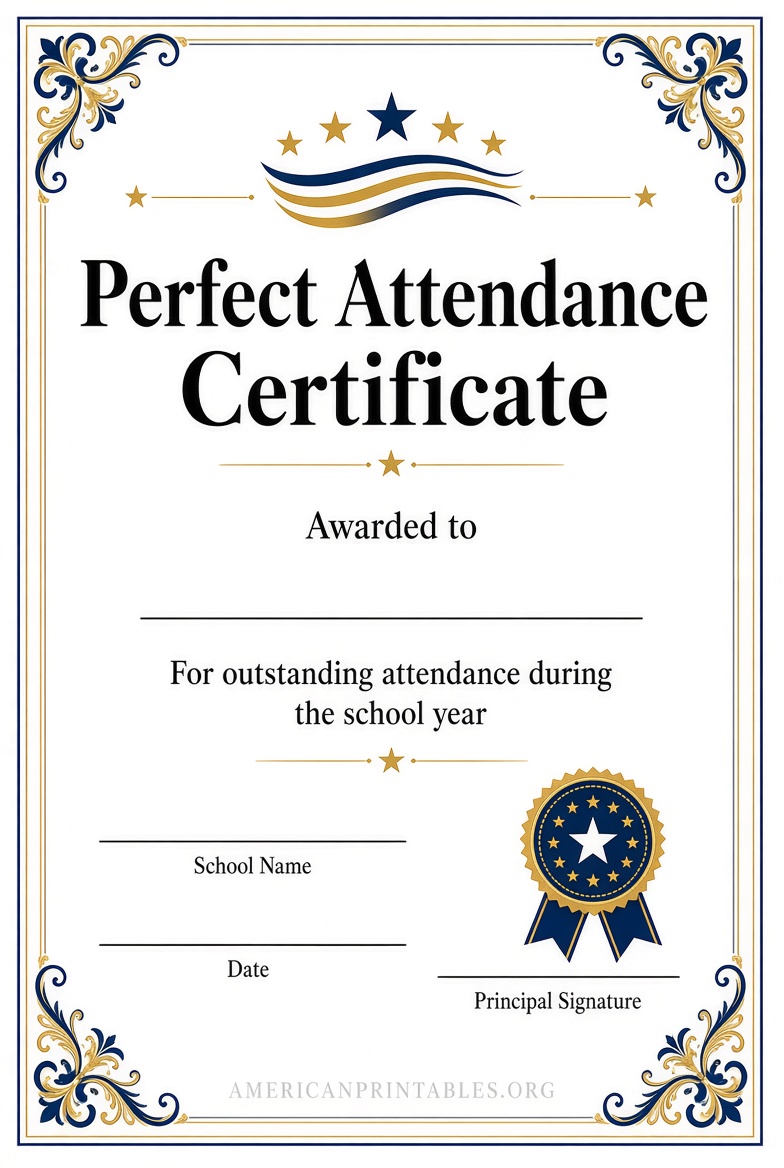
Free Printable Editable Perfect Attendance Certificates.
How to Customize and Print Your Certificates?
- Choose a template that matches the formality of the occasion (classic borders for formal assemblies, colorful designs for elementary classrooms).
- Replace placeholder text with the recipient’s full name, the exact period (for example, “2025–2026 School Year” or “Fall Semester”), organization name, and any specific criteria.
- Add a logo or school seal if the editor allows it. Keep text hierarchy clear: large title, prominent name, shorter details.
- Include signature lines and the award date.
- Download as PDF (preferred for printing) or high-resolution image.
- Print on U.S. Letter (8.5 × 11 inch) card stock (65–110 lb weight works well for a premium feel). Disable “fit to page” or scaling in printer settings so borders align correctly. Matte or textured paper often looks more professional than glossy.
For bulk needs, tools that accept a list of names (such as CertFusion’s CSV option) generate individual files quickly. Test-print one certificate first to check margins and color.
Tips for Effective Use in U.S. Schools and Workplaces
Present certificates publicly when possible—assemblies, classroom ceremonies, or team meetings increase their impact. Pair them with other recognitions so attendance is one positive factor among many. Consider quarterly or monthly awards in addition to year-end versions to keep motivation steady. Store digital copies for records, and keep the language inclusive and encouraging.
Brief FAQ
Are these certificates really free to edit and print?
Yes, the linked sources provide free editable templates. Some may require a free account (Canva, TPT) or offer optional paid upgrades; basic perfect attendance use stays free.
What paper size and weight should I use?
U.S. Letter (8.5 × 11 inches). Card stock between 65 and 110 lb produces the best results for framing or presentation.
Can I use the same template for students and employees?
Most designs work for both. Simply adjust the wording and branding.
Do I need design software?
No. Browser-based editors (Canva, CertFusion, Virtualbadge) and common programs like PowerPoint or Google Slides handle editing.
Free printable editable perfect attendance certificates give teachers, administrators, and managers a practical way to recognize reliability. Start with one of the linked templates, customize for your group, and print on quality paper for a polished award that students and employees will appreciate.