Free Printable Fonts No Download | USA Guide 2026 – Looking for free printable fonts no download usually means one of two things: you want to type text in a nice typeface and print it, or you want ready-made letter sheets you can print on US Letter paper. You do not want to install a .ttf or .otf file on a school laptop, a work PC, or a shared family computer.
You can do that legally. The safest route is to use official browser tools and print-ready templates, not random “font pack” sites that hide malware or unclear licenses.
What “printable fonts no download” actually means?
A font file is software. To use it in Word or Photoshop on your computer, you normally install it. Many people cannot or should not do that.
A no-download workflow uses fonts that live in the browser or in a cloud editor. You type, style the page, and print. The font never has to sit in your system Fonts folder.
People in the United States use this for:
- Classroom banners, name tags, and handwriting practice
- Church, PTA, and community flyers on 8.5″ × 11″ paper
- Yard-sale and party signs
- Simple posters when you only have a home printer
- Work documents on a locked-down office computer
Copy-and-paste “fancy text” generators are different. Those use special Unicode characters. They look cute in a social bio, but they often print poorly and are not a substitute for a real typeface.
Why skipping shady download sites matters?
Unvetted font sites are a common source of bundled adware. Even when the file is clean, “free” does not always mean free for a flyer you hand out at a fundraiser or a logo you put on a shirt.
Before you print anything for a group, a classroom, or a small business, check the license. The cleanest open licenses you will see on trusted libraries are the SIL Open Font License (OFL) and Apache 2.0. Those usually allow personal and commercial print use. Always read the license on the official page for the specific family.
Best official places to use fonts without installing them
These five resources cover typing in the browser, printing a document, designing a flyer, and printing large letters. Use them first.
1. Google Fonts (preview and print from the browser)
Google Fonts is the most reliable public library. Families are open source, and most are free for personal and commercial use under the OFL.
Open a family, type your headline or paragraph in the sample box, then use your browser’s Print dialog (Ctrl+P or Command+P). Set the paper size to Letter, turn off headers and footers if you do not want the URL on the page, and print.
This is the fastest way to test Inter, Roboto, Playfair Display, Lora, Bebas Neue, and hundreds of other print-friendly faces without installing anything.
2. Google Docs (type, format, and print on Letter paper)
Google Docs lets you write a full page in the browser and print it. Click the font menu, choose More fonts, and add styles from Google’s library. You never install a file on the computer.
Set File → Page setup to Letter (8.5″ × 11″) and 1-inch margins if you want a standard US classroom or office page. Then print or save as PDF from the browser.
This is the best no-download option for worksheets, programs, meeting agendas, and simple newsletters.
3. Canva (flyers and posters without a font file)
Canva includes a large font list inside the editor. On the free plan you can design a Letter-size page, change the typeface, and print from home. You are using Canva’s licensed fonts inside a finished design, not installing the font on your PC.
Create a custom size of 8.5 × 11 in, or start from a flyer or worksheet template. When you are ready, download a PDF Print file or print from the editor. Stay on free fonts if you do not have Canva Pro. Flattened PDFs and JPGs are the usual way people print classroom and event materials.
4. Microsoft Word for the web
Microsoft Word for the web is useful if your school or office already uses a Microsoft account. You get cloud fonts and a familiar print layout without installing extra typefaces on the device.
Set the page to Letter, pick a clear body font for reading and a stronger heading font for titles, then print. This is a practical choice on shared Windows PCs where users cannot add fonts.
5. Free printable letter templates (when you need big cut-out letters)
If you need one letter per page for a banner, bulletin board, or stencil, you do not need a font file at all. Print a template.
Suncatcher Studio’s letter stencil pages offer free A–Z and number templates in PDF and PNG. No account is required. Print on Letter paper, cut, and tape the letters into a sign.
These sheets are for personal and classroom-style projects. Do not resell the template files themselves.
Free Printable Fonts No Download | USA Guide 2026
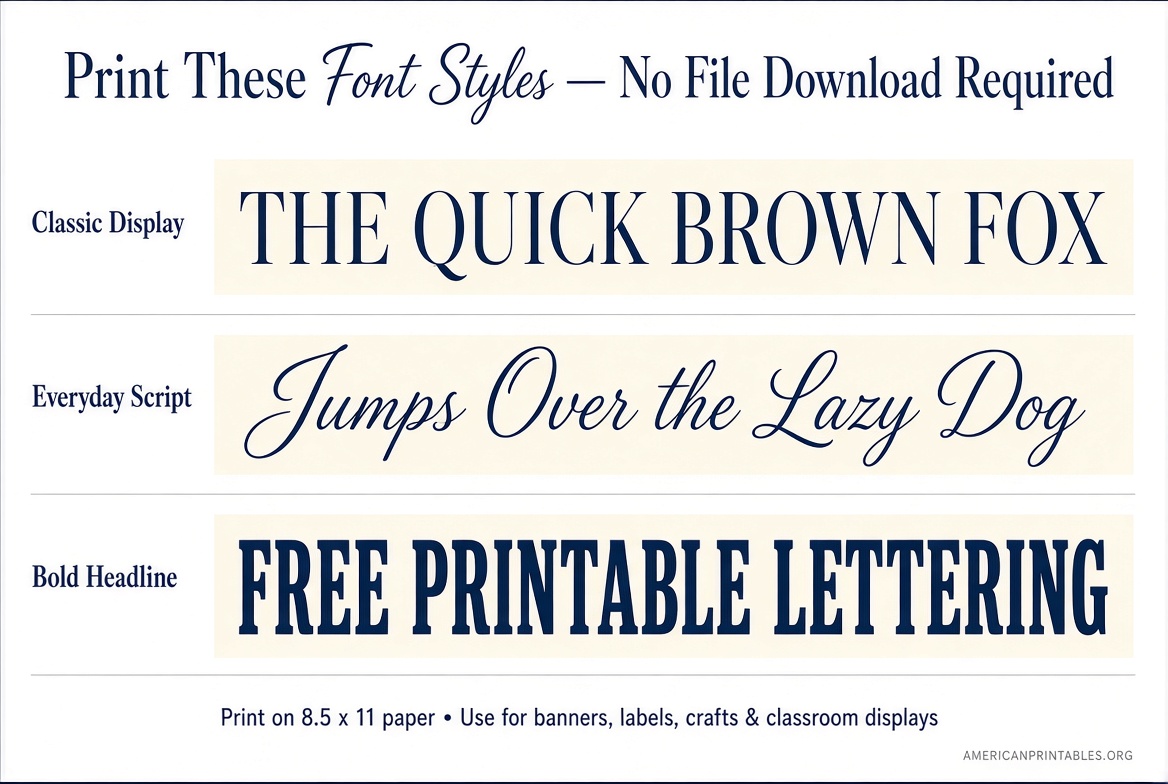
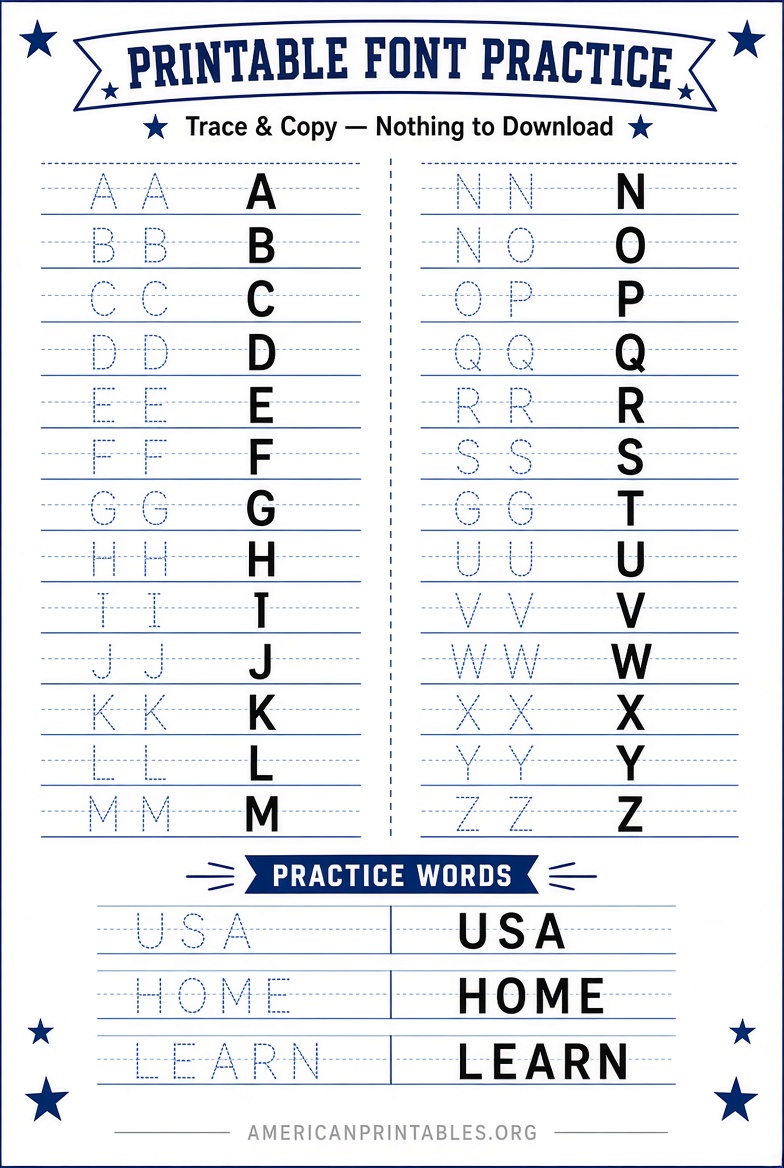
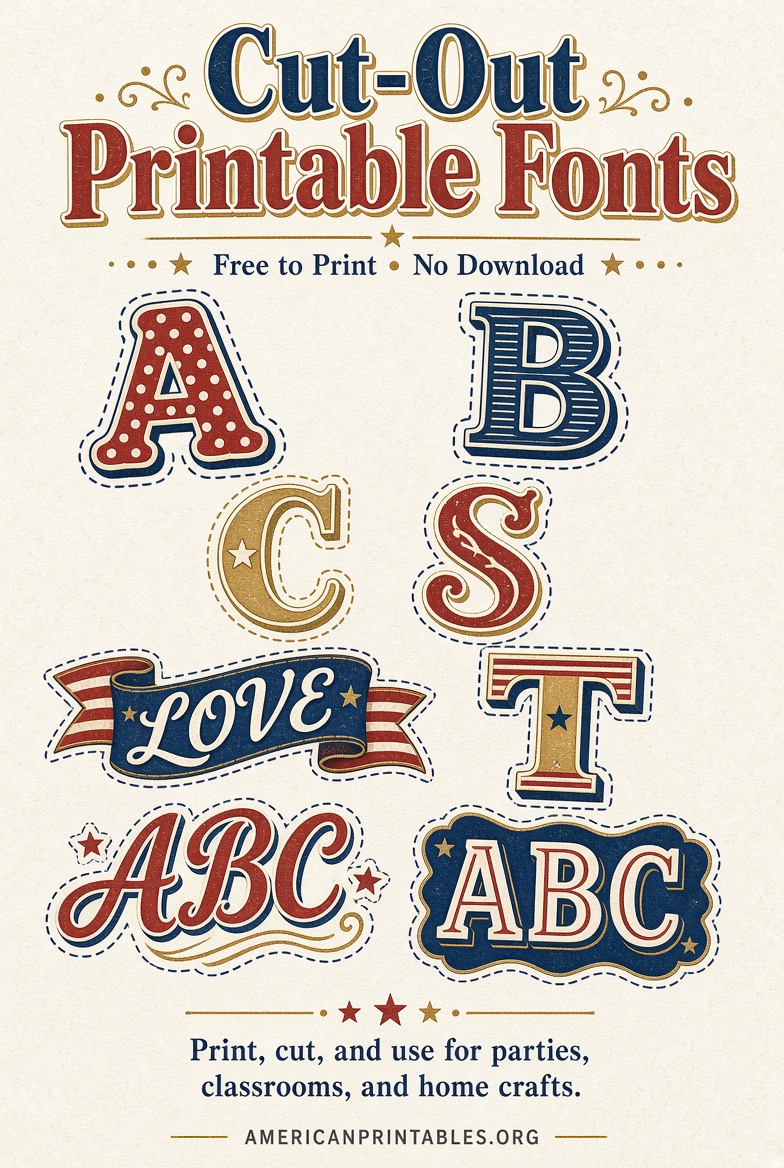
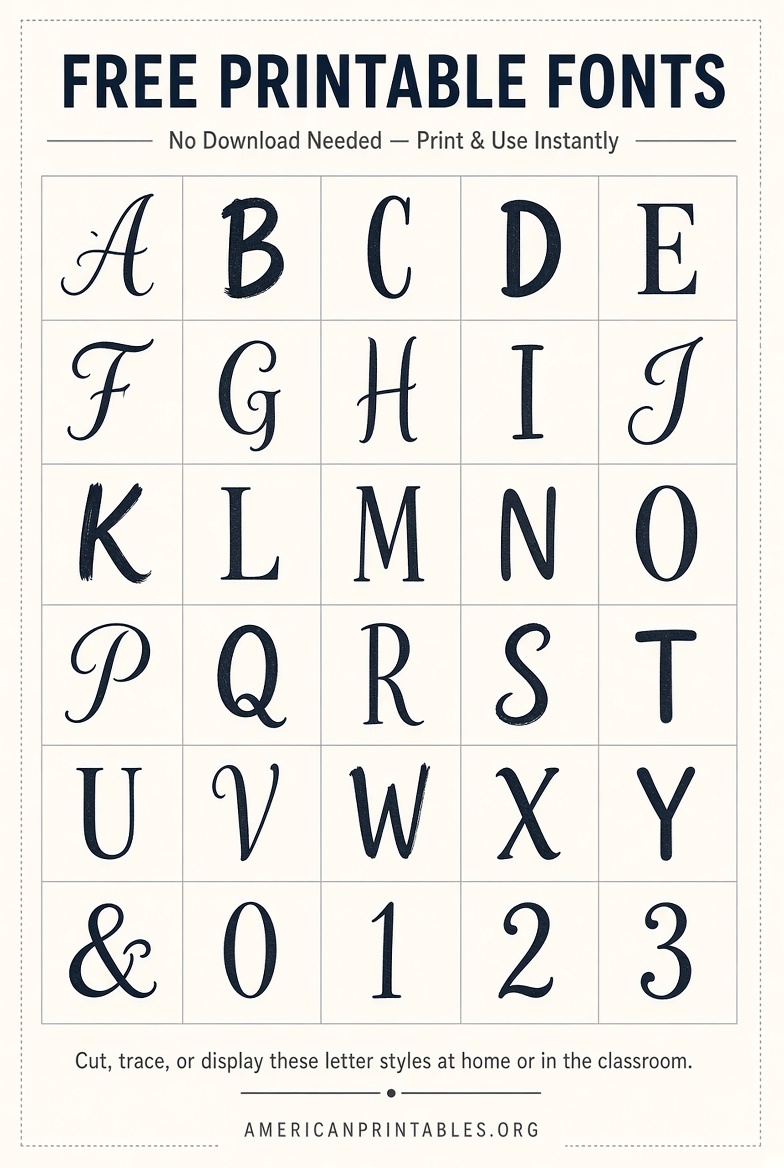
How to print fonts from your browser (US Letter)?
- Type your text in Google Fonts, Docs, Canva, or Word on the web.
- Open Print preview.
- Choose Letter paper, portrait or landscape.
- Set margins to Normal or Minimum so letters are not clipped.
- Turn off “Headers and footers” if you do not want the date and URL.
- Use Actual size or 100% scale. “Fit to page” can shrink thin strokes.
- Print a single test page before you run a full classroom set.
For banners, print one large letter per page, then tape the pages in a row. For worksheets, keep body text at 12–14 points so it stays readable after photocopying.
Fonts that hold up on a home or school printer
Not every display face prints well. Thin scripts fall apart on cheap toner. High-contrast fashion serifs can fill in at small sizes.
Safer choices you can preview on Google Fonts and use in Docs or Canva:
- Sans-serif for signs and worksheets: Inter, Roboto, Open Sans, Montserrat, Source Sans 3
- Serif for programs and letters: Lora, Libre Baskerville, Merriweather, Playfair Display (headlines)
- Strong all-caps headlines: Bebas Neue, Anton (keep the size large)
- Friendly classroom headings: Nunito, Poppins, Comic Neue (use sparingly)
If the printed letter looks anemic, bump the weight to Bold or increase the point size before you reprint.
What you should not do?
- Do not install fonts from a random zip file emailed to you or bundled with “1,000 free fonts.”
- Do not assume a DaFont-style listing is free for a T-shirt, Etsy printable, or paid event flyer. Many of those files are personal-use only.
- Do not extract font files from Canva or a website to reuse elsewhere. That usually violates the license even if the editor let you type with the font.
- Do not treat decorative Unicode text as a print font. It will not match across printers and devices.
If you later want a real file for desktop software, get it from the official family page on Google Fonts and read that family’s license. That is optional. It is not required for the no-download methods above.
Quick picks by job
Need a one-page announcement today? Google Docs or Word on the web, Letter size, one heading font plus one body font.
Need a colorful flyer? Canva, 8.5 × 11 in, free fonts only, PDF Print.
Need to compare typefaces before you commit? Google Fonts sample text, then print two candidates on the same printer.
Need giant letters for a hallway or garage-sale sign? Printable stencil templates, one character per page.
FAQ
Can I use these fonts for a school or church flyer?
Yes, if you stay on Google Fonts families and official editor fonts and you print a finished page. Do not redistribute the font files. Check the license if the flyer is sold.
Do I need an account?
Google Fonts and the Suncatcher stencil pages can be used without creating an account. Google Docs, Canva, and Word on the web need a free login.
Will this work on a Chromebook?
Yes. Browser-based fonts are a good fit for Chromebooks because you often cannot install desktop fonts.
What paper should I use?
Standard US Letter (8.5″ × 11″) works for most home and school printers. Use cardstock only if you are making signs that will be handled a lot.
Is “no download” the same as “no print file”?
No. You can still save a PDF of your page and print it later. That PDF is your document, not a font installer.
Start with Google Fonts or Google Docs, print one test page on Letter paper, and only then run the full set. That keeps the process free, legal, and free of font installs.