Free Printable Jukebox Label Template – Looking for a free printable jukebox label template? Whether you own a classic Wurlitzer, Seeburg, Rock-Ola, or a modern CD/MP3 conversion, blank or customizable title strips (also called jukebox labels or title cards) let you display song titles and artists neatly. These small rectangular cards fit the label holders on most U.S. jukeboxes and wallboxes.
This guide explains what jukebox labels are, shares legitimate free resources, and gives practical printing tips for American collectors and hobbyists.
What Are Jukebox Labels (Title Strips)?
Jukebox labels, or title strips, are the narrow paper cards that list the A-side and B-side of a 45 RPM record (or CD tracks). Typical size is roughly 3 inches wide by 1 inch tall, though exact dimensions vary slightly by manufacturer.
They usually show:
- Artist name
- Song title(s)
- Sometimes a genre tag (HIT, OLDIE, R&B, etc.)
Authentic-looking strips keep your machine looking professional and make song selection easy for guests.
Free Online Tools and Printable Templates
Here are trusted, currently available free options. No purchases required for the basic tools listed.
1. Free fill-in PDF title strip forms
Download ready-to-use PDF sheets from CD Adapter. These form-style pages let you type artist and song names directly in Adobe Reader (or most free PDF viewers), then print. Options include colored backgrounds, black-and-white, and styles suited to both vinyl and CD/MP3 jukeboxes or wallboxes. Use 65-lb card stock for best durability.
Download free fill-in title strips here.
2. Online jukebox label maker
Create custom labels in your browser with real-time preview. Enter titles and artists, adjust fonts/colors, and download high-quality PNG, PDF, or SVG files ready for printing. No signup or installation needed.
Try the free Jukebox Label Maker.
3. Advanced free title strip creator
A modern web-based suite lets you design custom title strips, organize records, generate printable PDFs with cut lines (Letter, Legal, A4, etc.), and manage layouts. It supports 45 RPM and 78 RPM styles and requires no account.
Create free title strips at Jukebox Tools.
These three resources cover the most common needs for U.S. users. Always print at 100% scale (turn off “fit to page”) and test one strip before printing a full sheet.
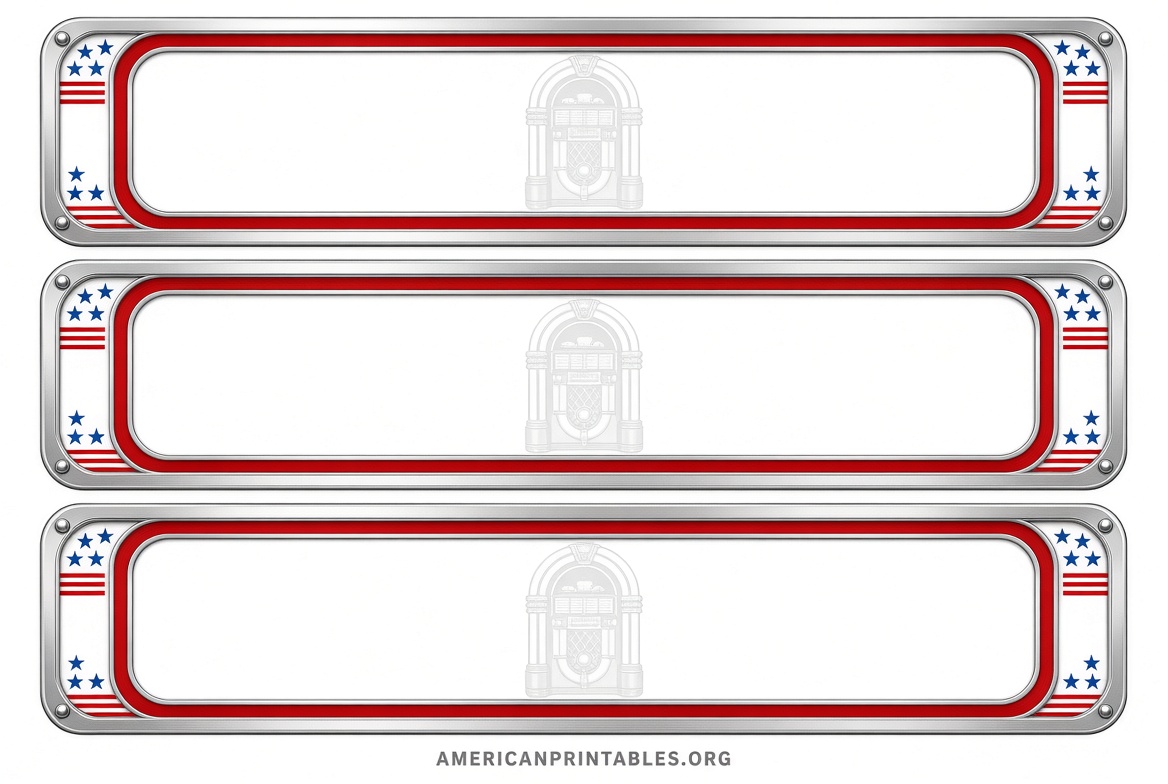
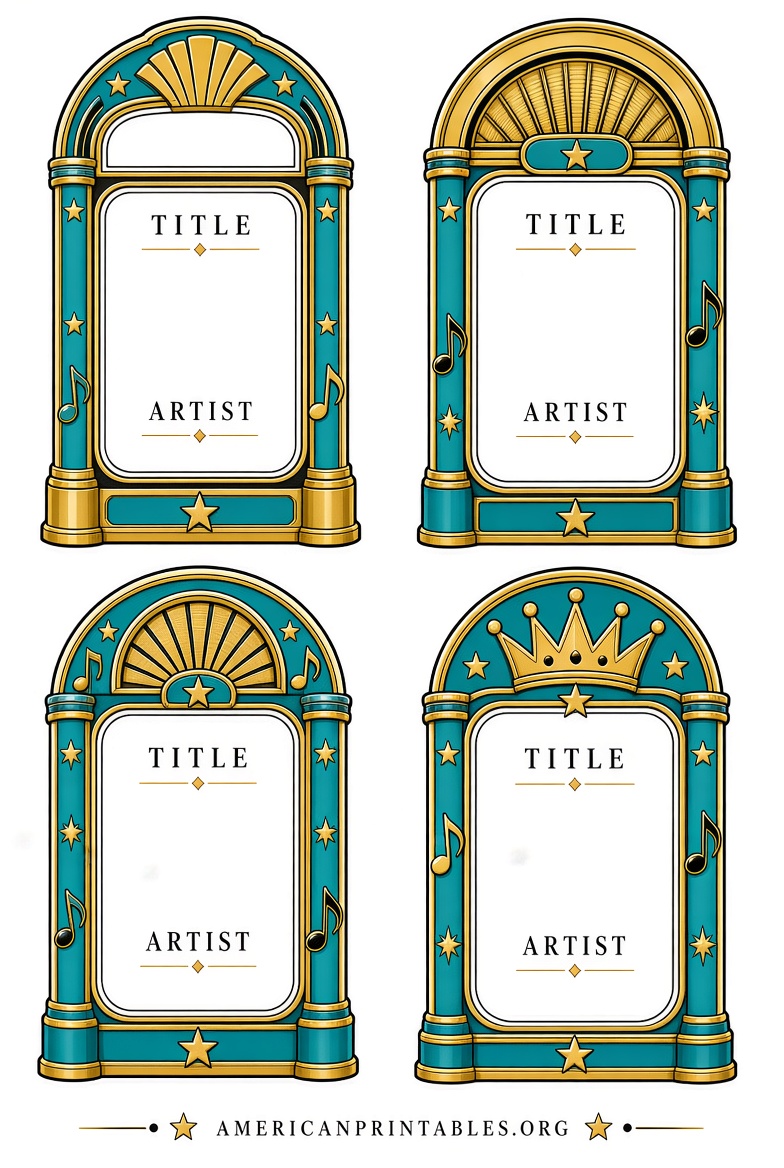
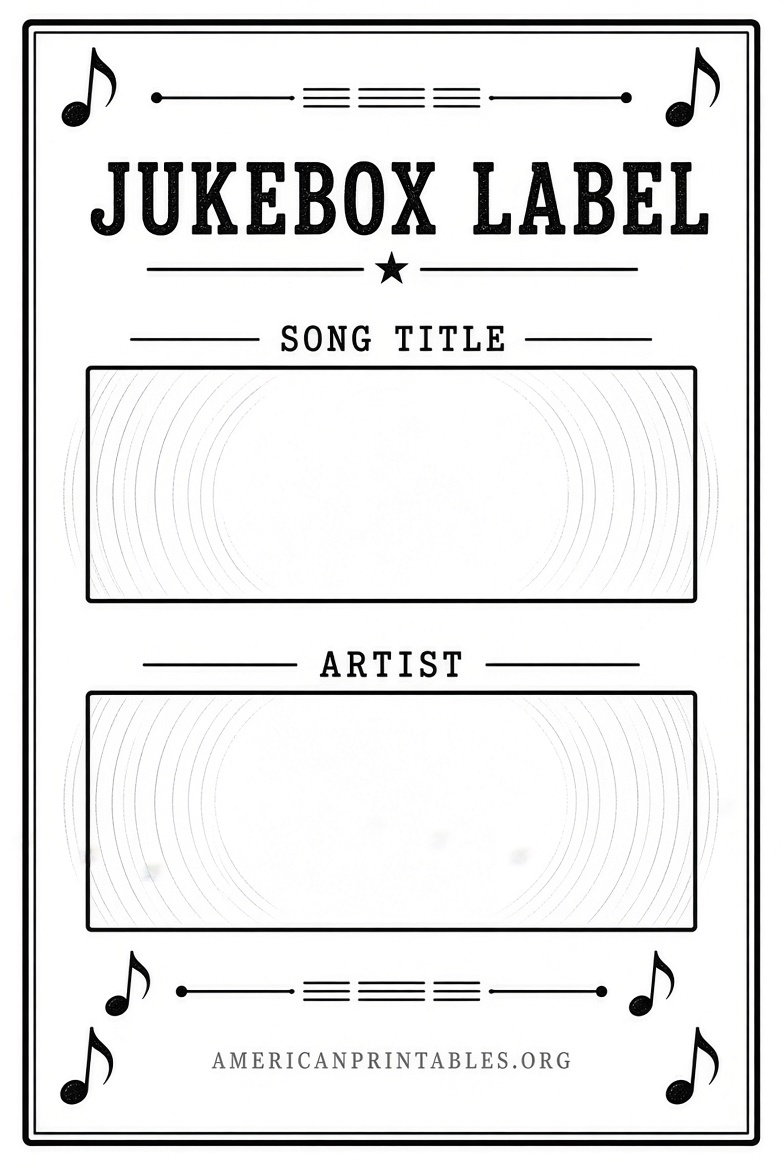
Free Printable Jukebox Label Template
Tips for Printing and Using Your Labels
- Use heavier paper or light card stock (around 65 lb) so strips stay rigid in the holders.
- Print in color for classic red/black or multi-color designs; black-and-white works fine for simple text.
- Cut carefully along the guidelines. A paper cutter or sharp scissors and a straight edge help.
- For vintage machines, measure an existing original strip if possible—sizes can differ slightly between brands.
- Laminating is optional and not always recommended, as it can make the strip too thick for some holders.
FAQ
Are these templates really free?
Yes. The linked tools and PDFs listed above offer free basic creation and download with no payment required for standard use.
Will the labels fit my specific jukebox?
Most free templates target standard 45 RPM and common CD jukebox sizes used in the United States. If you have an unusual model, measure your current strips or holders first and adjust print scaling slightly if needed.
Can I make them look vintage?
Yes. Many free tools and PDFs include classic red-and-white, shaded, or multi-color backgrounds that evoke mid-century designs.
What paper should I use?
65-lb card stock or similar medium-weight paper is commonly recommended for durability without being too thick.
Free printable jukebox label templates make it easy and inexpensive to refresh your machine’s look. Start with one of the free PDF forms or online makers above, print a test sheet, and you’ll have professional-looking title strips ready in minutes. Enjoy the music!