Free Printable Minecraft Sword Template Guide – Looking for a free printable Minecraft sword template? These simple paper or cardboard DIY projects let kids (and adults) create blocky wooden, stone, iron, gold, or diamond swords at home. Perfect for pretend play, birthday parties, costumes, or Minecraft-themed decorations across the USA, a good template turns ordinary cardboard into a pixel-perfect prop without spending money on store-bought versions.
Minecraft swords are iconic tools and weapons in the game. Fans love bringing them into the real world for creative, screen-free fun. Free printable templates make it easy: download, print, cut, and assemble. Most designs work on standard US Letter paper and scale well when glued to sturdy cardboard or foam board.
Why Use a Free Printable Minecraft Sword Template?
These templates are popular for several practical reasons. They cost nothing beyond paper, ink, and scrap cardboard. Kids develop fine motor skills while cutting and assembling. The finished swords support imaginative role-play inspired by the game. Parents and teachers use them for parties, classroom activities, or rainy-day crafts. Many designs come in multiple material styles so fans can pick their favorite (diamond is often the top request).
Always choose legitimate free sources. Avoid sites that require payment, email sign-ups with unclear terms, or claim “official” status when they are fan-made. The links below point to established family and craft resources that offer direct free downloads.
Best Free Printable Minecraft Sword Templates
Here are trusted places to get free printable Minecraft sword templates right now:
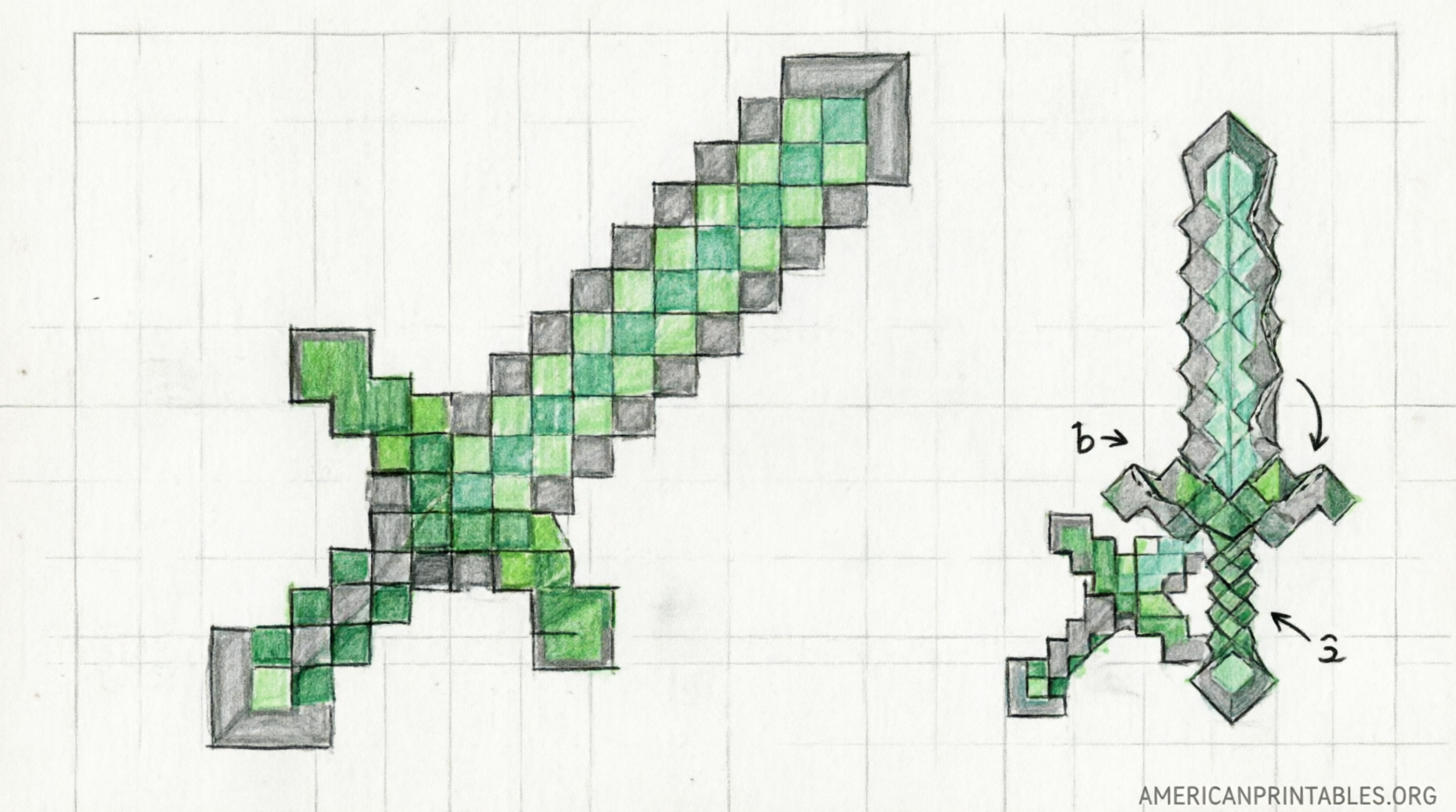
- All for the Boys offers a complete set of free PDF templates for wood, stone, iron, gold (“budder”), and diamond swords. Print two copies for a double-sided prop, glue them to cardboard or foam board, and cut out. The page includes clear DIY steps. Access the full guide and downloads here: All for the Boys Minecraft Sword Printables. Direct example PDFs include the diamond version and others linked on that page.
- Toddler Approved provides a free hand-drawn cardboard Minecraft sword template designed for kids. Print it, color or decorate, then transfer the outline to cardboard for a sturdy prop. Full instructions and the download link are on the page: Toddler Approved Free Minecraft Sword Template.
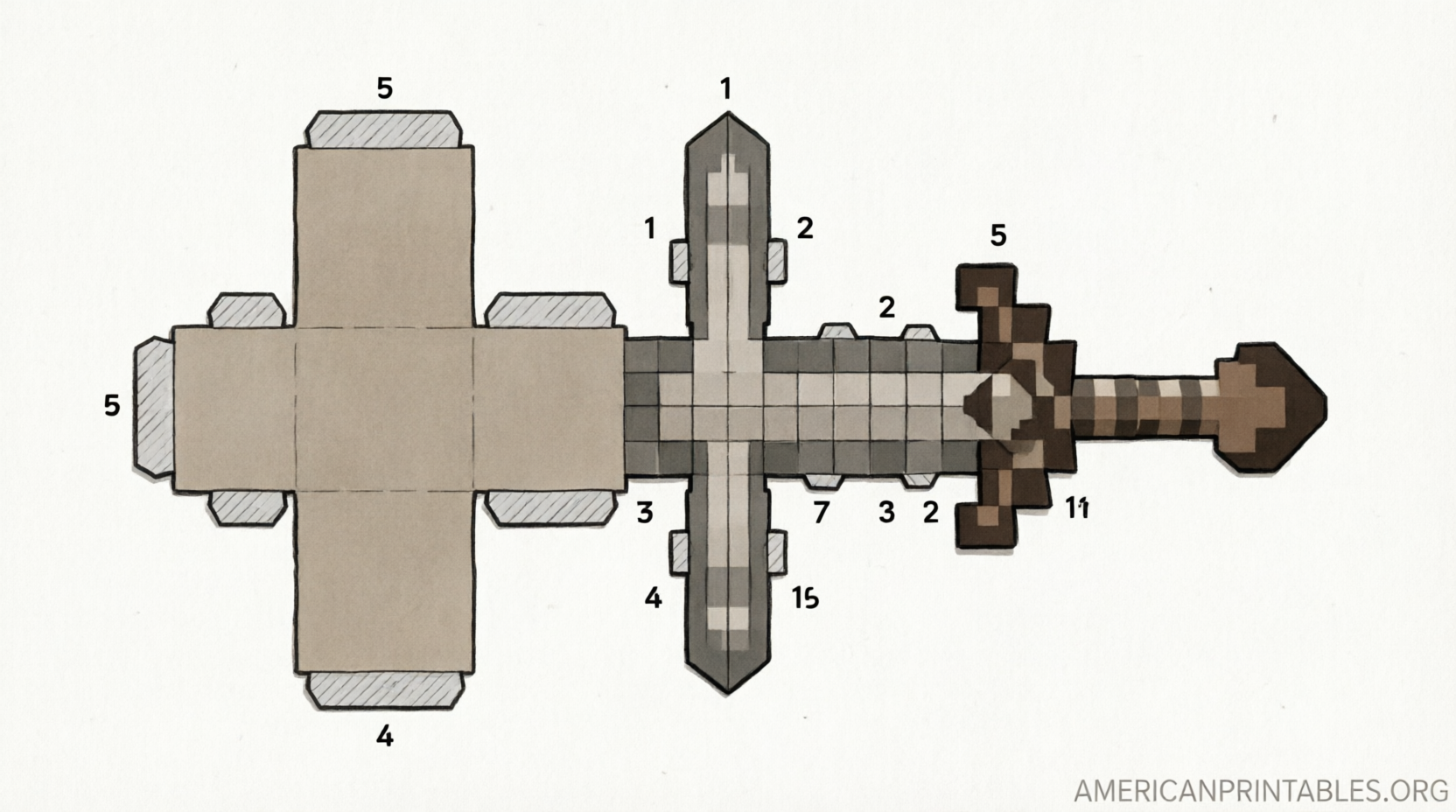
- Pixel Papercraft hosts a popular life-size iron sword papercraft. Print the design at full size on A4 or US Letter (twice for both sides), cut out, trace onto cardboard, and assemble. View and print directly from the page: Pixel Papercraft Life Size Iron Sword.
These sources focus on paper/cardboard printables rather than 3D printer files. They remain free for personal, non-commercial use.
Free Printable Minecraft Sword Template Guide
How to Make Your Own Minecraft Sword from a Printable Template?
Most templates follow the same basic process. Gather these common materials found at any US craft or grocery store:
- Free printable template (PDF or image)
- Printer and standard or cardstock paper
- Cardboard, foam board, or cereal boxes for the core
- Scissors or a craft knife (adult supervision for younger kids)
- Glue, double-sided tape, or spray adhesive
- Markers, crayons, or paint for optional coloring and edge finishing
- Optional: Mod Podge or clear sealant for durability
Simple steps:
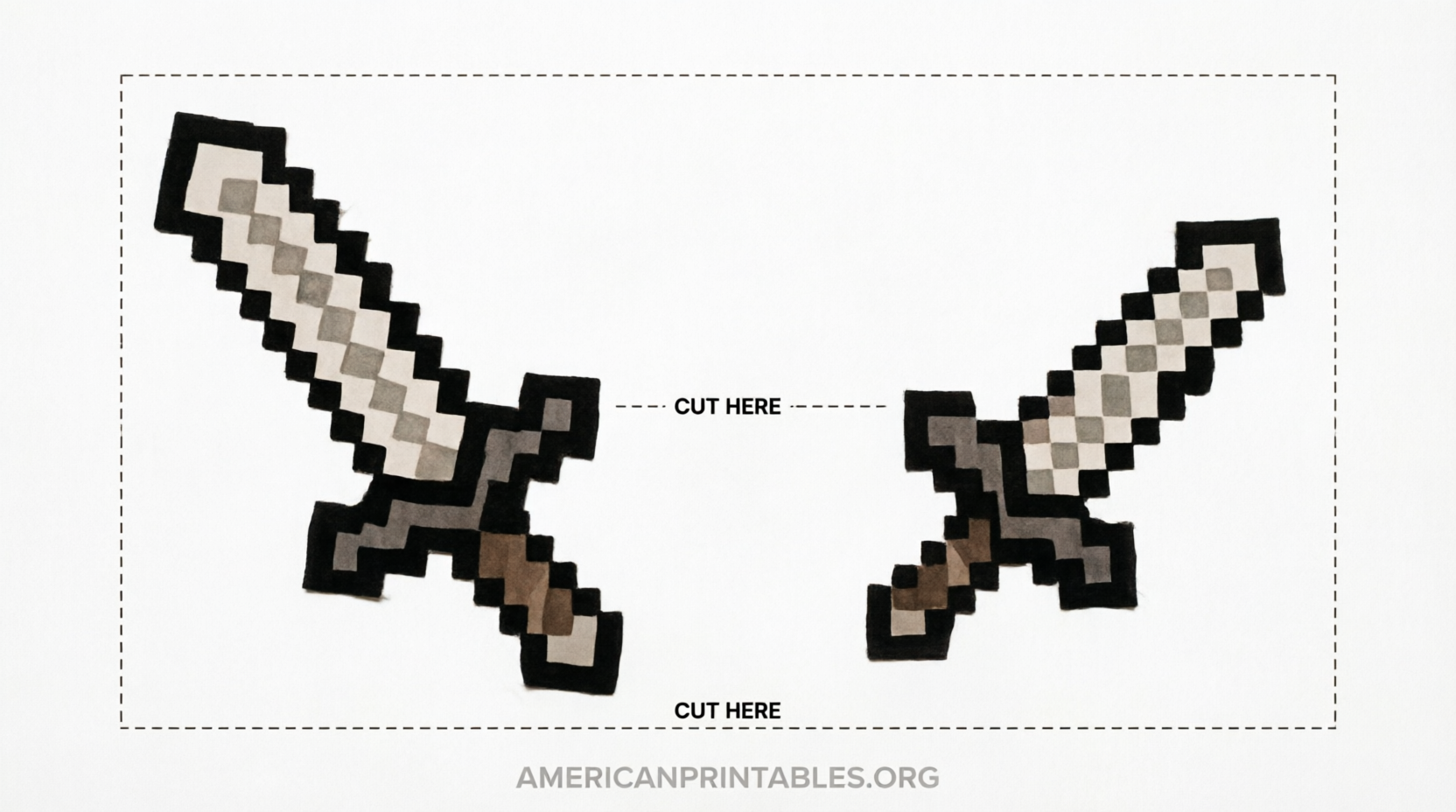
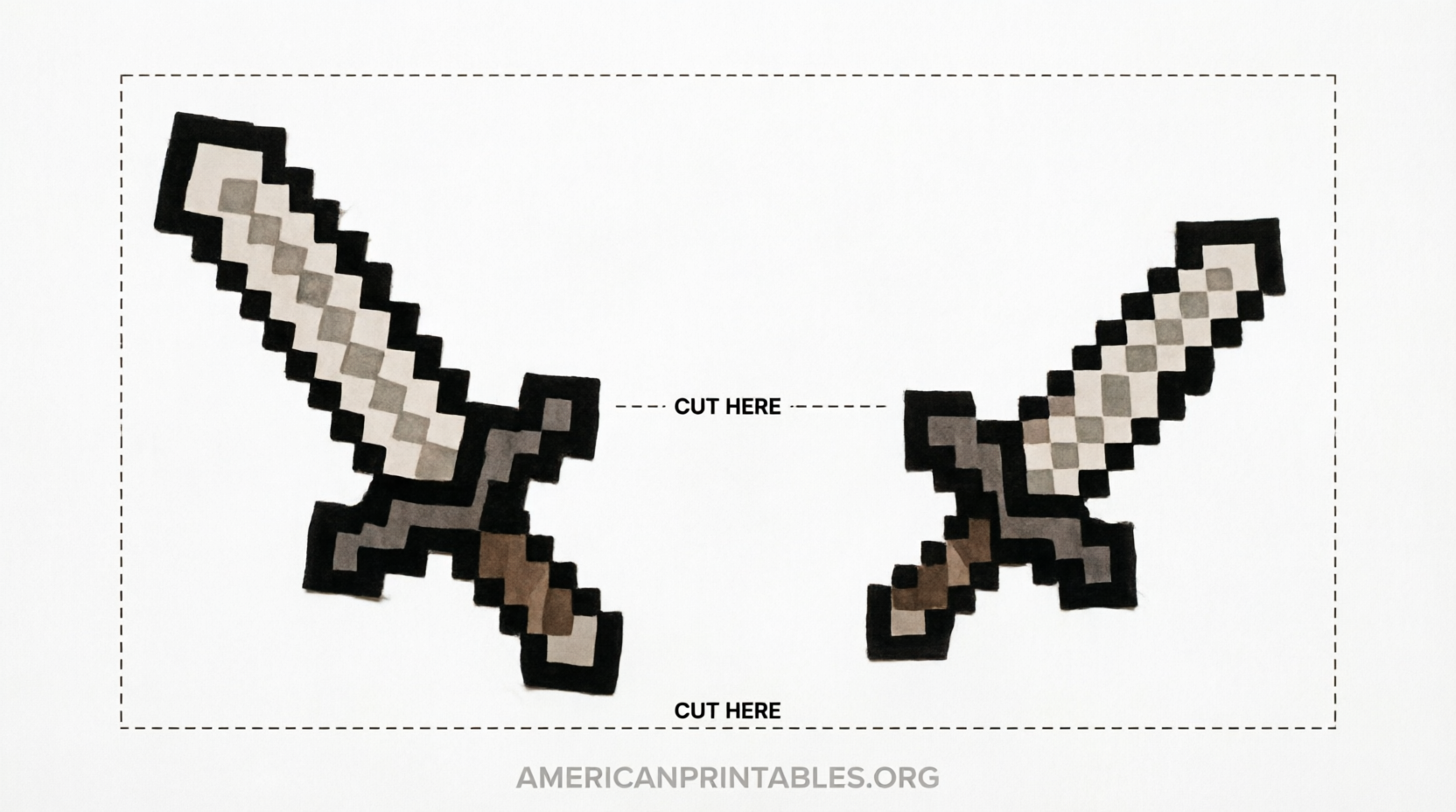
- Download and print the template at 100% scale. Print two copies if you want designs on both sides.
- Cut out the paper pieces carefully.
- Trace the outline onto cardboard or foam board. Cut the sturdy base.
- Glue the printed paper onto both sides of the cardboard base. Align edges well.
- Trim any excess and color the edges black or matching colors for a clean pixel look.
- Let dry fully before play. Reinforce the handle area if needed.
The finished sword is usually around 15–18 inches long depending on the template and paper size. These are for pretend play only—cardboard swords can bend or break with rough contact.
Tips for Better Results
Print on slightly heavier paper when possible for cleaner cuts. Use foam board for thicker, more durable swords that hold up better at parties. Scale the print larger on a home printer or at a copy shop if you want bigger props. Supervise young children with scissors and knives. Store finished swords flat to prevent warping. For party favors, make several in advance using different material colors.
FAQ
Are these templates official Minecraft products?
No. Official Minecraft (from Mojang/Microsoft) offers wallpapers and some collectibles but not free sword templates. The resources listed are fan-created and free for personal use.
What paper size works best?
US Letter (8.5 x 11 inches) is standard and widely available. Some designs note A4 compatibility. Print at actual size without “fit to page” scaling for best accuracy.
Can I use these for a birthday party?
Yes. Many families print multiple copies as favors or activity stations. Keep them for pretend play rather than active sword fighting.
Is there a diamond sword version?
Yes. The All for the Boys collection includes a free diamond sword PDF along with the other material types.
Do I need special software?
No. Standard PDF readers and any home printer work. Open the link, download or print directly.
A free printable Minecraft sword template turns a favorite game element into hands-on fun with almost no cost. Start with one of the trusted downloads above, follow the simple assembly steps, and watch kids enjoy their new props. Always prioritize safe, supervised craft time and legitimate free sources. Happy crafting!