Free Printable Return Address Labels | Easy Templates – Free printable return address labels make it simple to add your name and address to envelopes, holiday cards, packages, and invitations without handwriting every one. For U.S. households and small businesses, these labels save time, look professional, and work with standard home printers and common label sheets.
This guide explains what return address labels are, how to create them at no cost, and where to find legitimate free templates and tools from trusted sources.
Why Use Free Printable Return Address Labels?
Return address labels go in the upper-left corner of envelopes or on packages so undeliverable mail can come back to you. Printing your own is practical when you send cards for holidays, weddings, or business correspondence. You avoid buying pre-printed packs and can update the address anytime.
Most free options match popular U.S. label sizes such as Avery 5167 (½” × 1¾”, 80 labels per sheet) or similar compatible sheets available at office-supply stores.
How to Make Free Printable Return Address Labels?
You need only a computer, a printer, and blank label sheets (or plain paper if you plan to cut and glue them). Follow these steps:
- Choose a free template that matches your label sheet size.
- Enter your full name (or business name), street address, city, state, and ZIP code. Keep text concise so it fits the small label.
- Customize fonts, colors, or simple graphics if desired.
- Download or print the sheet. Set your printer to “actual size” or 100% scale with no scaling and zero margins when possible.
- Test-print on plain paper first to check alignment before loading label sheets.
- Apply the labels to envelopes or packages.
Always buy genuine or compatible label stock that matches the template number printed on the package.
Trusted Places to Get Free Printable Return Address Labels
Here are reliable, current sources that offer free design tools or downloadable templates. All links open in a new tab.
Avery Design & Print Online
Avery provides the most widely used free templates for return address labels. Go to the official Avery 5167 template page to start designing online or download blank templates for Microsoft Word, PDF, and other formats. The free Design & Print tool lets you add your address, choose designs, and print at home.
Avery 5167 Return Address Label Template
You can also explore the full Avery address and shipping label template category for additional free layouts.
Canva Free Address Label Templates
Canva offers hundreds of free, customizable address label designs. Browse the collection, edit text and colors in the browser, then download a PDF for home printing. Many templates work well for return addresses on standard sheets.
Canva Free Address Label Templates
Microsoft Word Built-in Label Tools
Microsoft Word includes free label creation tools that support Avery product numbers. Open Word, go to Mailings > Labels, select your label vendor and product number (such as Avery 5167), type your return address, and print a full sheet of identical labels. No extra software is required if you already have Word.
Official guidance is available in Microsoft Support articles on creating and printing labels.
These three sources cover the majority of U.S. users’ needs without requiring payment or account signup for basic use (though free accounts can help save designs).
Free Printable Return Address Labels | Easy Templates
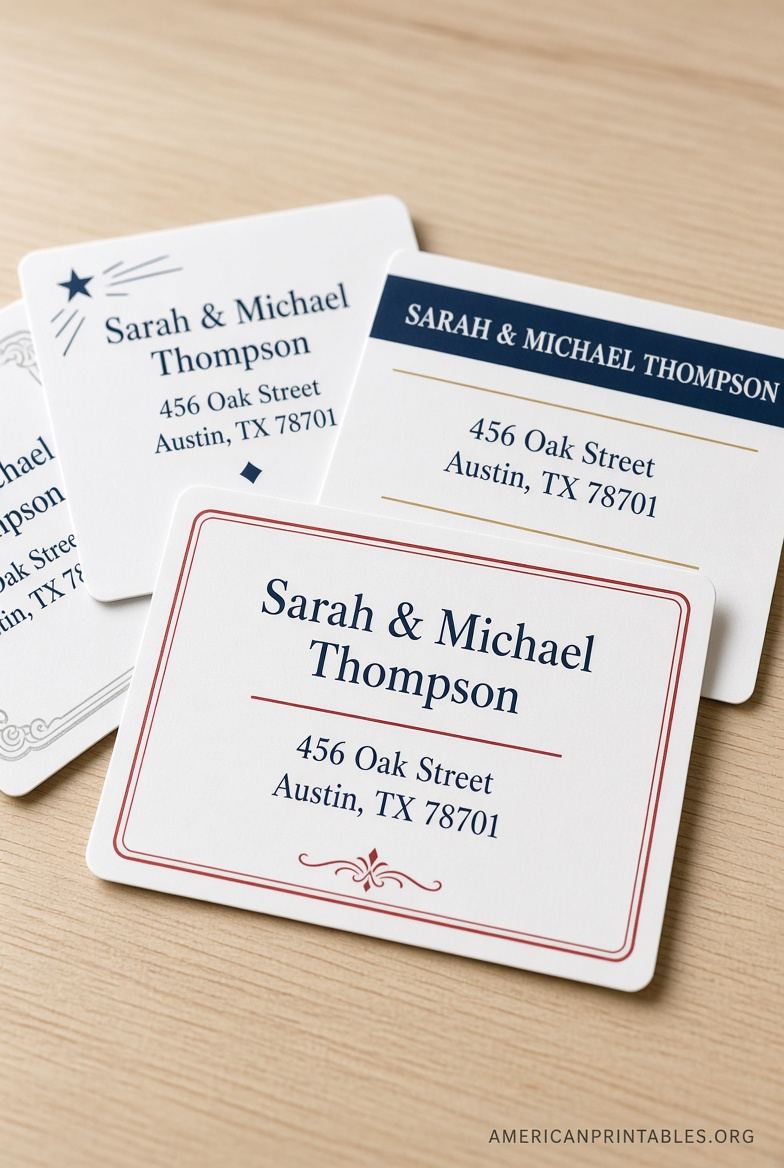
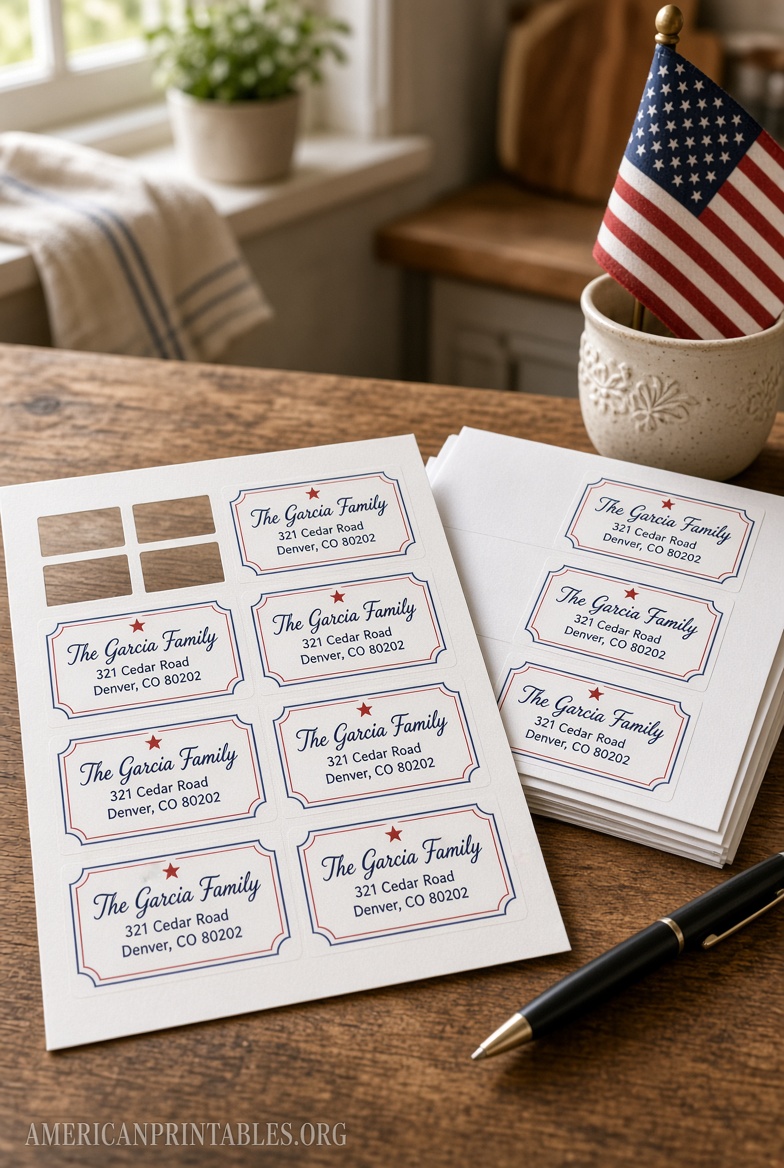
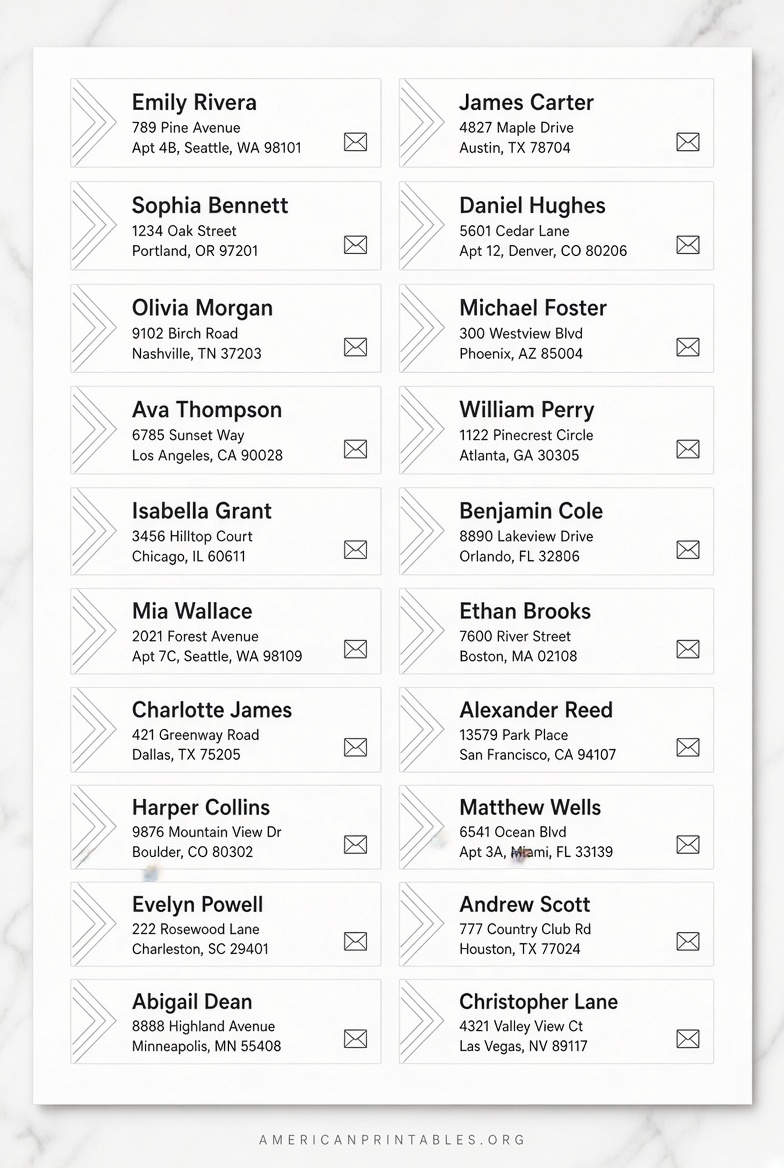
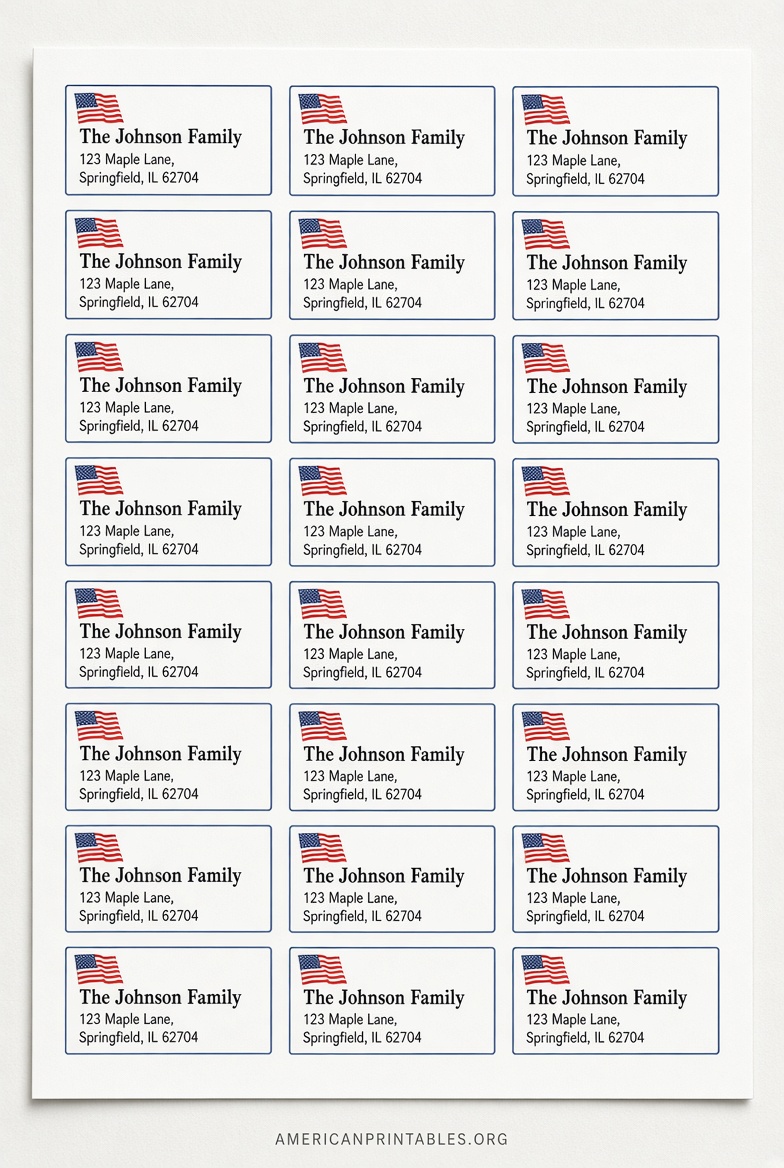
Tips for Perfect Results Every Time
- Match the template number exactly to the label package (for example, 5167, 8167, or 5195).
- Use high-quality inkjet or laser label sheets designed for your printer type.
- Keep fonts simple and large enough to read—usually 8–10 point for small return labels.
- Align carefully: feed sheets according to your printer’s manual and avoid using the multipurpose tray if it causes skewing.
- For bulk mailings, create one master design and duplicate it across the sheet.
- Store unused label sheets flat and away from humidity so the adhesive stays reliable.
FAQ
Are free printable return address labels legal to use?
Yes. As long as you use legitimate templates from the manufacturer or design sites and print on purchased blank sheets, there are no restrictions for personal or business mail in the United States.
What size works best for most envelopes?
The classic ½” × 1¾” (Avery 5167 style) fits the upper-left corner of standard #10 business envelopes and most greeting-card envelopes without looking oversized.
Can I print on regular paper instead of label sheets?
You can, then cut the labels out and attach them with glue or tape. Results are less neat and less durable than proper adhesive labels.
Do I need special software?
No. Avery’s online tool, Canva, and Microsoft Word handle everything in a browser or standard desktop application.
Free printable return address labels are one of the easiest ways to handle everyday and seasonal mailings. Start with the Avery or Canva links above, enter your details once, and print as many sheets as you need. Your mail will look polished and arrive ready for any return.