Free Roku Channels List Printable (USA 2026) – If you searched for a Roku channels free list printable, you probably want a paper-friendly lineup you can keep by the TV. That is a smart idea. The Roku Channel now carries 500+ free live TV channels in the United States, and new ones appear often. A printed sheet helps you find news, sports, kids shows, and movies without scrolling forever.
Roku does not publish one official, always-current printable PDF of every free channel. The on-screen Live TV guide is the most accurate list. Below is how to use official Roku tools, where a community-made printable lives, and how to print your own list at home.
What “Roku channels free list printable” actually means?
People use that phrase for two different things:
- The Roku Channel live TV lineup — free, ad-supported linear channels with channel numbers inside The Roku Channel.
- Free Roku apps — separate apps in the Roku Channel Store, such as Tubi, Pluto TV, Plex, and PBS.
A useful printable usually covers the first list: live channel names and numbers. The second list is better handled on the device or website, because apps change and many do not use channel numbers.
Free here means ad-supported. You should not pay a monthly fee to watch these channels. Some titles inside The Roku Channel still require a Premium Subscription. Those are not free.
Start with official Roku resources
Use these first. They are current, legitimate, and built for U.S. viewers.
- Watch free movies, live TV, and kids content on The Roku Channel website.
- See how free live TV works, including 500+ live channels and local station options, on Roku’s official Live TV page.
- Follow Roku’s own steps for Featured Free, the Live TV guide, and free apps in this official support article.
- Browse popular free apps in the Roku Channel Store Top Free section.
Those four pages are the safest place to start. They will not ask you to buy a “secret channel list.”
Where to get a printable free Roku channel list?
Best option: print from your own Roku guide
Your Roku already has the live list that matches your account and location.
- Open The Roku Channel.
- Select Live TV.
- Browse categories such as News, Sports, Movies, Kids, and Local News Near You.
- If channel numbers are missing, open the Live TV guide, move left to the channel icons, press the asterisk (*) button, choose Sort Channel List, then By Channel number.
To make a paper copy:
- Write down the 20–40 channels your household actually watches.
- Or take photos of each category page and print those photos.
- Or type the names and numbers into a one-page Word or Google Doc and print that.
This homemade sheet stays useful longer than a 400-page dump of every channel.
Community printable for The Roku Channel live lineup
A long-running thread in the official Roku Community shares a volunteer-made printable guide of The Roku Channel linear Live TV lineup with channel numbers. It is not an official Roku PDF, and the files can lag behind new additions.
You can read the thread and get the latest files from the Roku Community printable Live TV list discussion.
Treat that guide as a helper, not gospel. Channel numbers move. Shows change slots. Roku has added dozens of free channels during 2026 alone.
What to skip?
Avoid sites that promise a “complete secret list,” require payment for a PDF, or ask you to install unofficial channel codes. Roku’s free content is already in The Roku Channel and the Channel Store. You do not need a private code list for legitimate free TV.
Free Roku Channels List Printable (USA 2026)
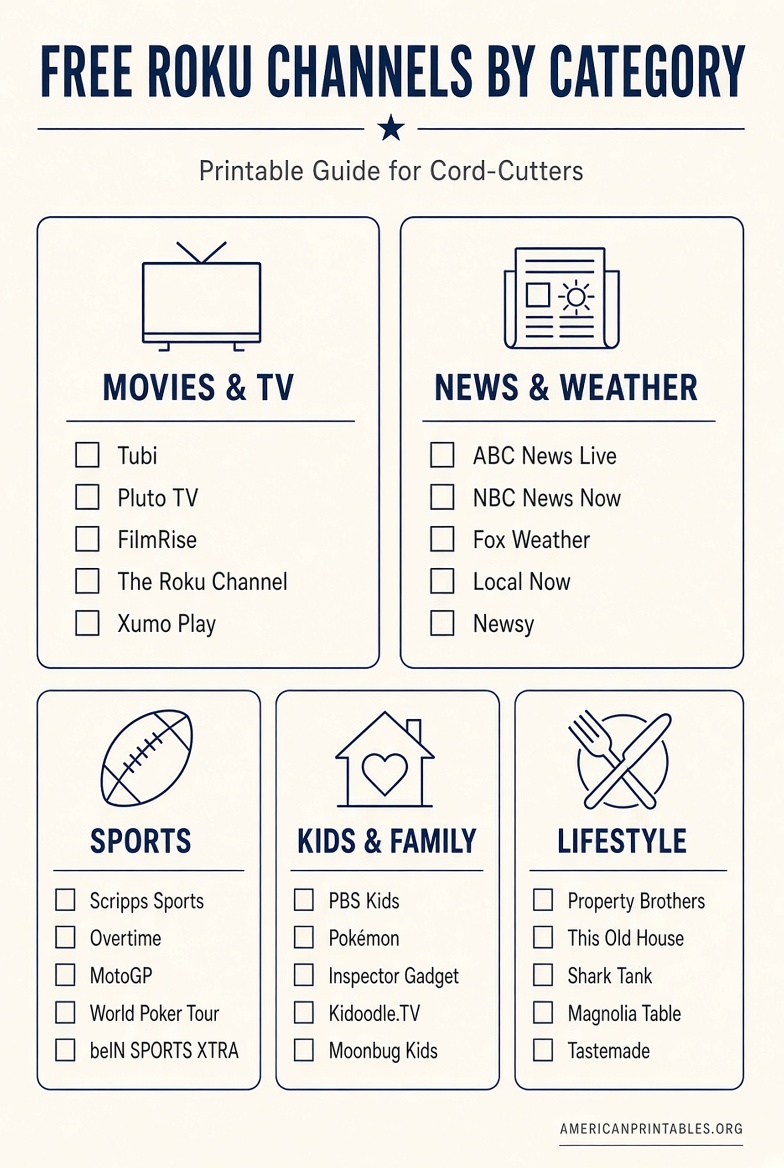
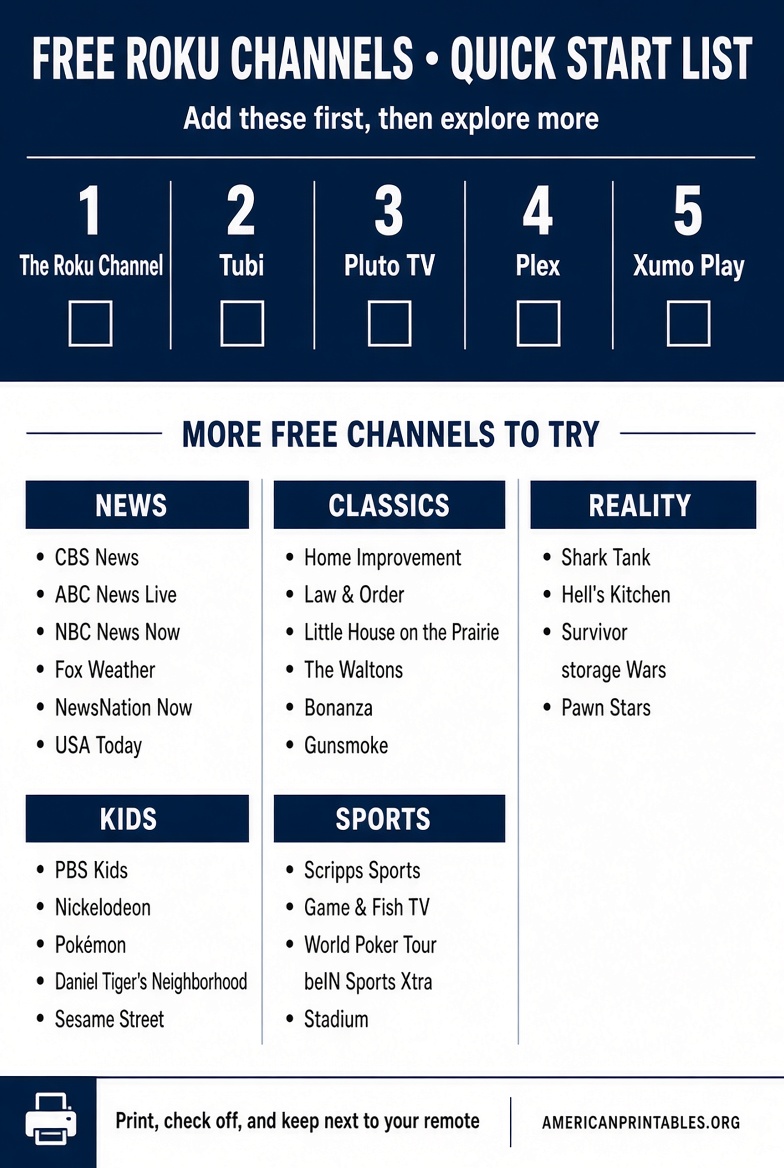
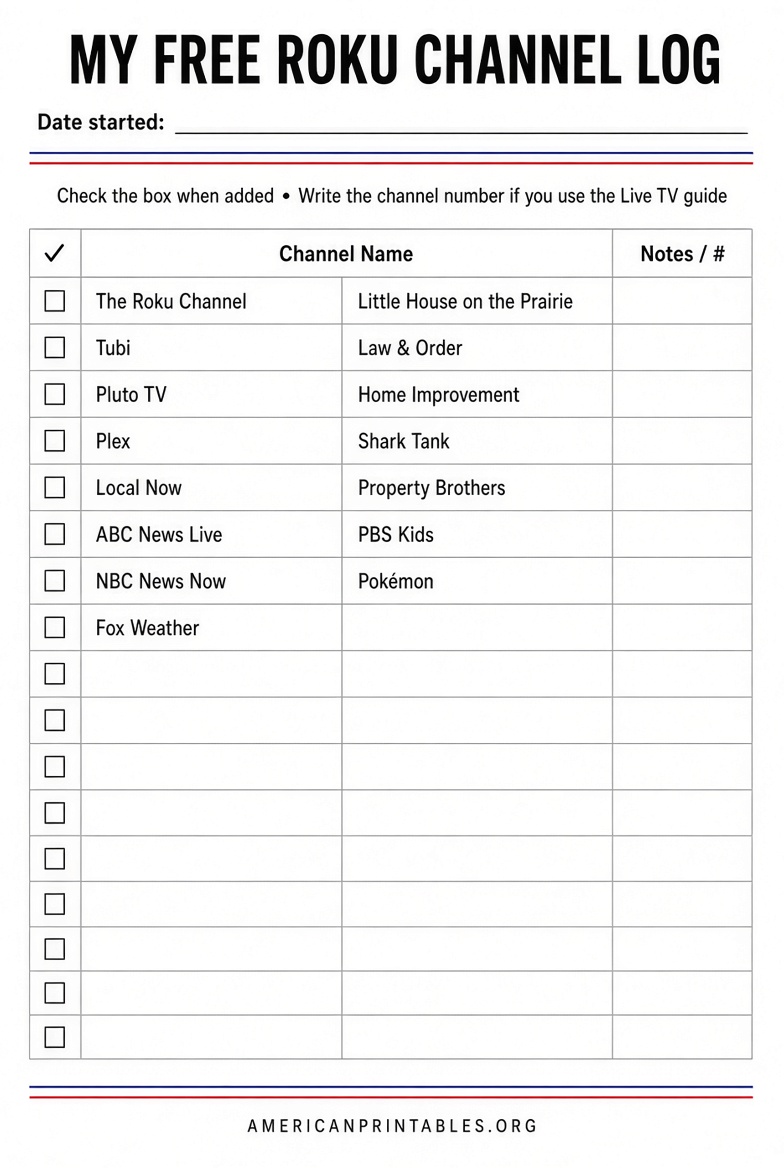
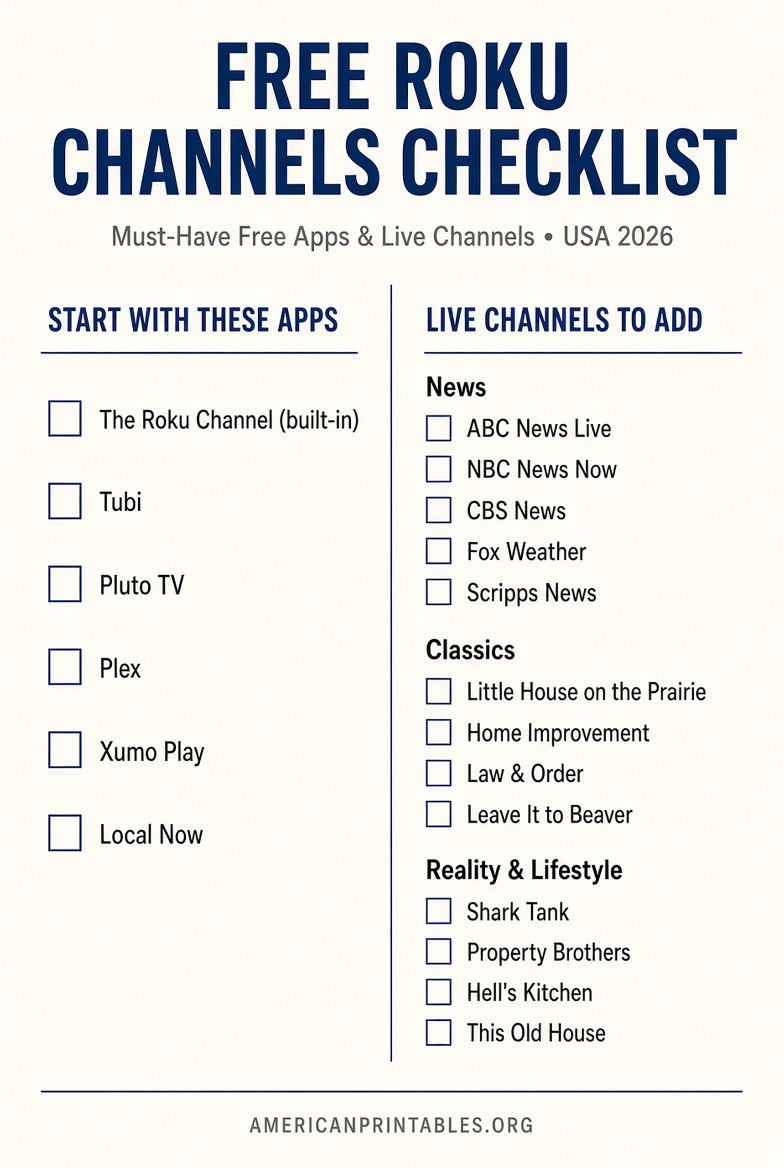
Free Roku channels worth adding first in the USA
These are widely available, no paid plan required for the basic service, and useful for most U.S. homes.
Already on most Roku devices
- The Roku Channel — free on-demand movies and shows, Roku Originals, kids section, and 500+ live channels.
- Featured Free on the Home screen — a rotating shelf of free titles from partner apps.
Free apps to add from the Channel Store
- Tubi — large free movie and TV library.
- Pluto TV — live channels you can flip through like cable.
- Plex — live channels plus on-demand titles.
- Xumo Play — news, entertainment, and quick live browsing.
- Local Now — local news, weather, and extra live channels.
- PBS and PBS Kids — documentaries, public media, and preschool shows.
- FilmRise — classic TV, crime, and westerns.
- NASA+ — space feeds and science programming.
Add only what you will use. A short printed list of 15 favorites beats a giant list you never open.
How to find every free channel on your Roku?
On the player or Roku TV
- Press Home.
- Open The Roku Channel, then Live TV.
- Search inside Live TV if you know the channel name.
- Go back to Home and open Streaming Store.
- Open Top Free & TV (wording can vary slightly by software version).
- Select an app and choose Add app.
New store apps land at the bottom of your Home row. Move your keepers up so they are easy to find.
On the web
Use The Roku Channel site to browse live and on-demand titles. Use the Channel Store site to add free apps to the same Roku account. A device update may be needed before a web-added app appears. On the player, go to Settings > System > System update > Check now.
Local U.S. channels
The Roku Channel can surface local news near you. Entering your ZIP code on local-news apps also helps. If you have a Roku TV and an HDTV antenna, over-the-air ABC, CBS, NBC, FOX, and PBS stations can sit in the same Live TV guide as the free streaming channels.
Make a one-page printable list that actually gets used
A good household sheet is short. Try this layout:
Header: Free Roku Channels — [Your City] — [Month Year]
Column 1: Live TV favorites
Examples: ABC News Live, CBS News, NBC News Now, Fox Weather, local news, Hallmark-style movie channels, kids channels, sports highlight channels.
Column 2: Free apps
The Roku Channel, Tubi, Pluto TV, Plex, PBS Kids.
Column 3: How to open it
Home > The Roku Channel > Live TV
or Home > [app name]
Update the page every few months. Free lineups change. That is why a giant downloaded PDF goes stale.
Quick facts U.S. viewers should know
- Free channels include ads.
- Availability can vary by device, software version, and location.
- “The Roku Channel” is one app with live and on-demand content. “Roku channels” can also mean every app on the Home screen.
- Premium tiles inside The Roku Channel are optional. Skip them if you only want free TV.
- No official Roku PDF lists every free live channel in print-ready form. The live guide on the device is the source of truth.
FAQ
Is there an official free printable Roku channel list?
No. Roku points users to Featured Free, The Roku Channel, the Live TV guide, and the Channel Store. A community printable exists, but it is unofficial and needs checking against your guide.
Are the 500+ live channels really free?
The live FAST channels inside The Roku Channel are free with ads for U.S. viewers. Some extra subscriptions inside the same app are paid.
Can I print the list from Roku.com?
You can print a web page from your browser, but Roku does not offer a dedicated printer-ready channel-number PDF. A custom one-page list is usually clearer.
Why don’t downloaded PDFs match my TV?
Roku adds and removes channels throughout the year. Channel numbers also change. Your on-screen guide is newer than almost any file online.
Do I need private or “secret” channel codes?
Not for legitimate free channels. Use The Roku Channel and the official Channel Store.
Bottom line
A Roku channels free list printable is most useful when it is short, local, and tied to official sources. Watch and browse for free on The Roku Channel, confirm live options on Roku’s Live TV page, add extra free apps from the Channel Store, and use the Roku Community thread only if you want a volunteer PDF of live channel numbers.
Print the channels your house actually watches. Then let the on-screen guide handle the rest.