Printable Channel Guide for Spectrum TV | Official – A printable channel guide for Spectrum TV is a paper (or PDF-style) list of the channels included with your package, usually with channel numbers for your home. Spectrum no longer mails a paper guide. Lineups change often, and channel numbers differ by ZIP code, package, and local stations.
The only reliable free printable is the one Spectrum generates from your account. A random national PDF from another website is often outdated and may list the wrong numbers for your city.
Why a generic Spectrum channel list is not enough?
Spectrum TV is available across much of the United States, but your lineup is local. Two homes on different plans—or even nearby ZIP codes—can see different numbers for ESPN, local ABC/CBS/NBC/FOX, PBS, and regional sports networks.
That is why Spectrum asks you to sign in or enter a service address instead of posting one national printable for every customer.
Current residential plans typically include:
- Spectrum TV Stream: 85+ channels
- Spectrum TV Select Signature: 150+ channels
- Spectrum TV Select Plus: 160+ channels
- Spectrum TV Platinum: 230+ channels
- Spectrum TV Stream Latino and Mi Plan Latino for Spanish-language lineups
Exact channel counts and add-ons can change. Confirm the current packages on Spectrum’s official TV plans page:
https://www.spectrum.com/cable-tv/plans
Official free printable: print your Spectrum lineup
Spectrum’s own support page explains how to print your channel lineup. Use this first:
https://www.spectrum.net/support/tv/channel-lineup-and-spectrum-tv-packages
Fastest method (recommended)
- Sign in to your Spectrum account.
- Open the Channel Lineup page:
https://www.spectrum.net/channel-lineup - Search or filter by network name, category, or package.
- Select Print Lineup.
- Use your browser’s print dialog. Choose “Save as PDF” if you want a file instead of paper.
Alternate path from your account home
- Sign in at Spectrum.net.
- Open the Services tab, then TV.
- Choose View Channel Lineup.
- Select Print Lineup.
This printable matches the package you actually subscribe to in your area. Spectrum staff have confirmed that the company no longer hands out pre-printed guides; printing from your online lineup is the official option.
If you are shopping and do not have an account yet
You can still preview which networks come with each plan. Channel names by plan are listed here:
https://www.spectrum.com/cable-tv/channel-lineup
Use that page to compare packages. After you become a customer, print the numbered guide from the signed-in Channel Lineup page so the numbers match your receiver.
Printable Channel Guide for Spectrum TV | Official
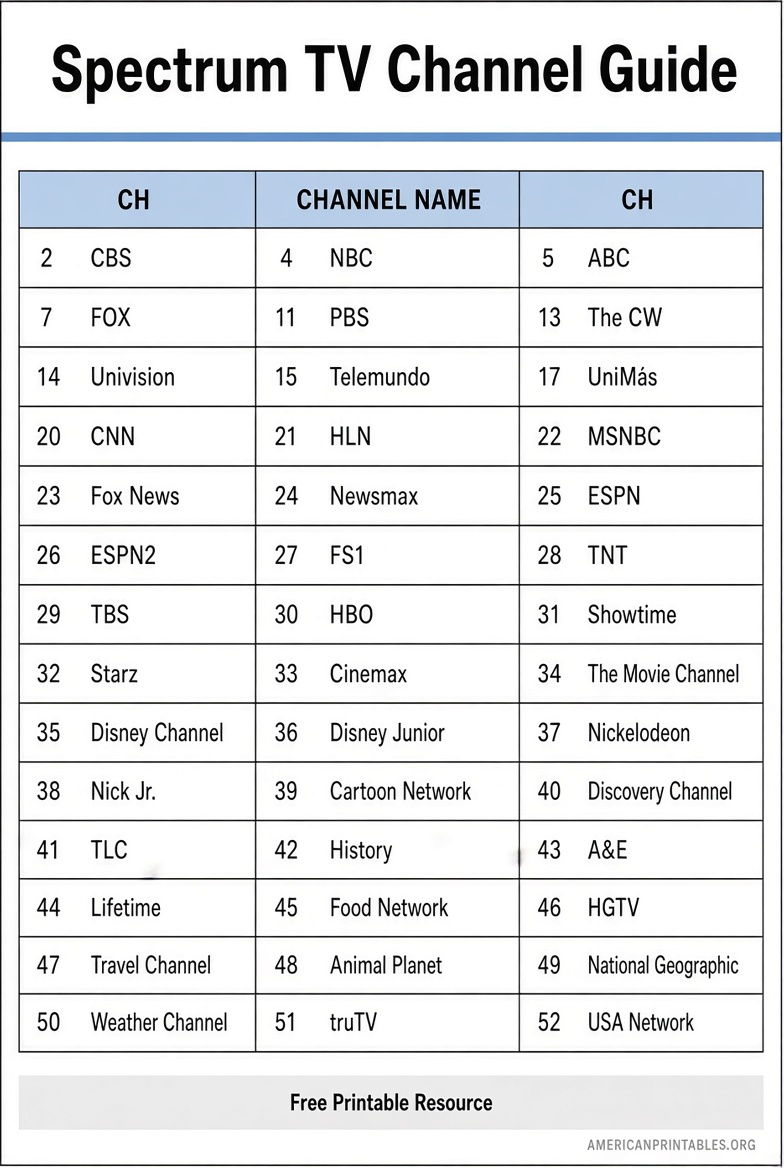
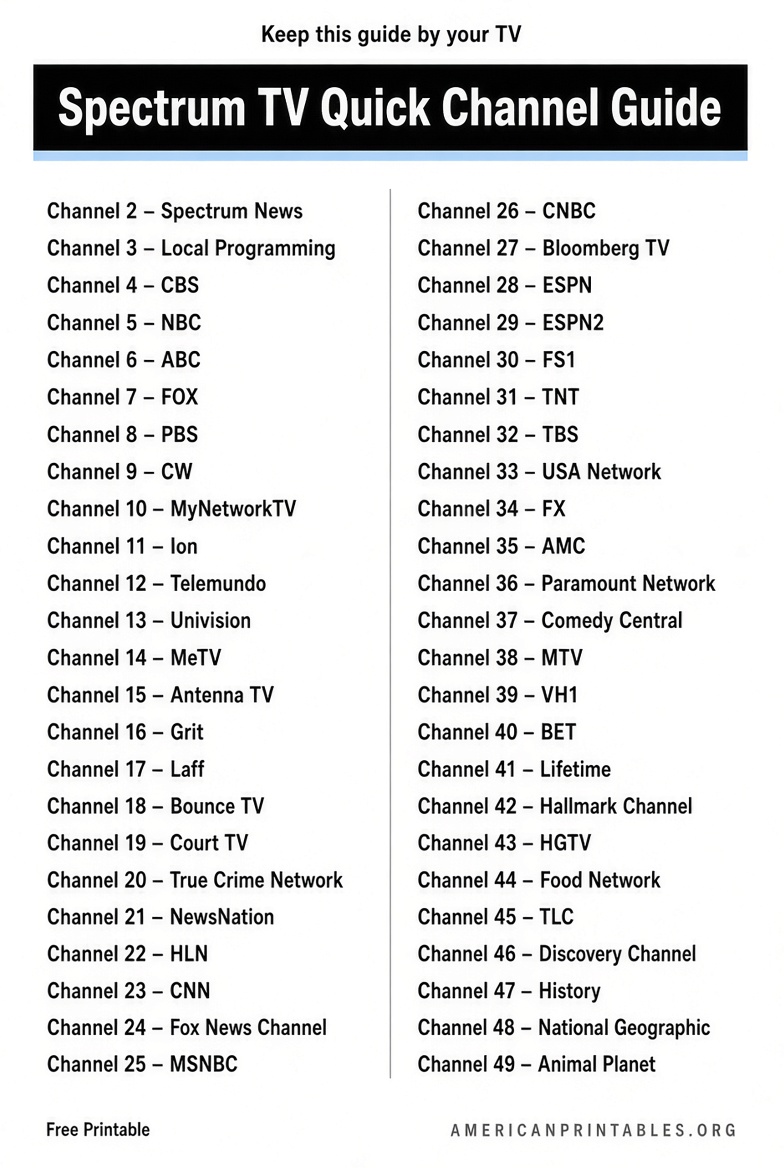
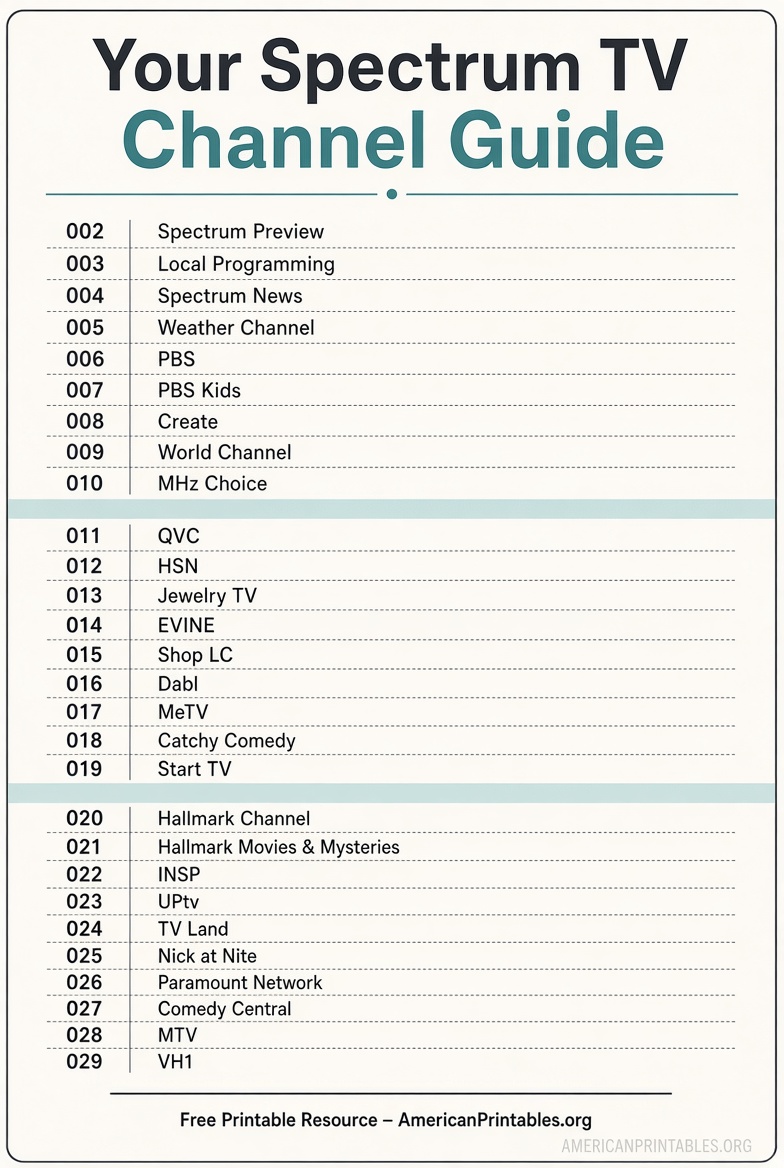
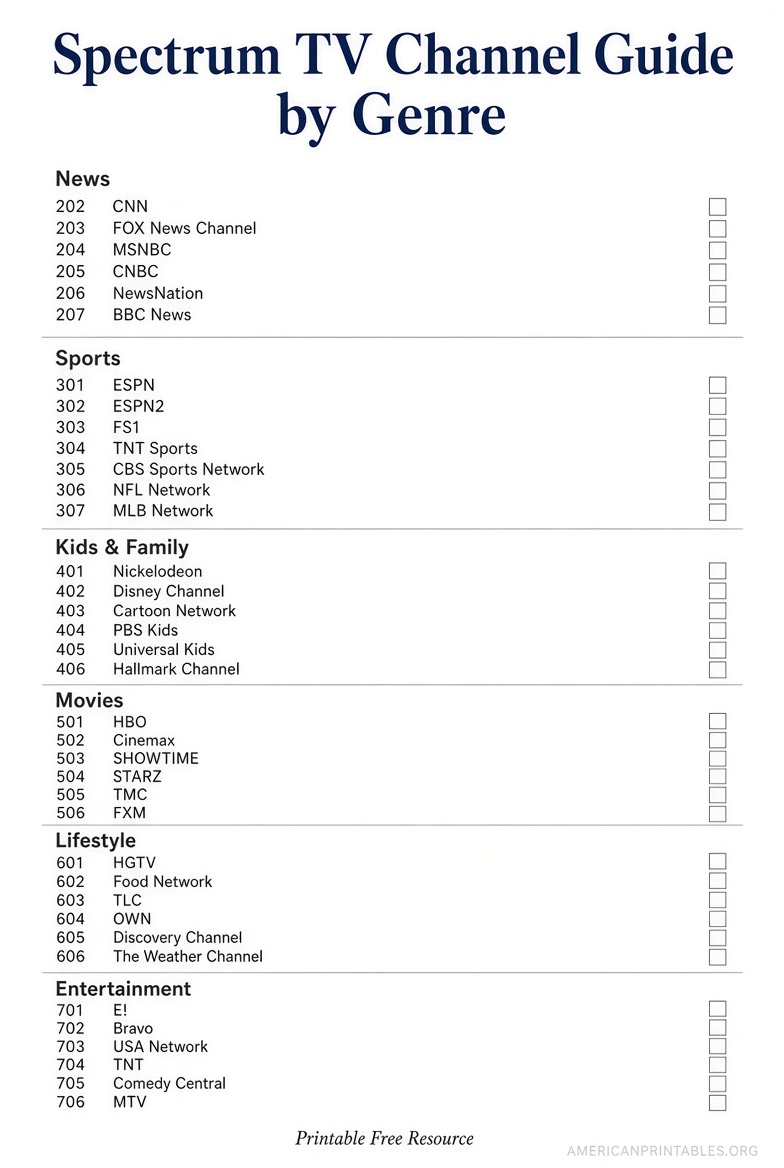
How to use the printed Spectrum TV channel guide?
Print two copies if more than one person uses the TV. Keep one near the remote and one on the fridge or DVR shelf.
On the printed list, mark:
- Local broadcast stations (ABC, CBS, NBC, FOX, PBS, CW, Telemundo, Univision)
- News and weather
- Kids’ channels
- Sports and any regional sports networks in your package
- Premium add-ons such as HBO, SHOWTIME, or STARZ, if you pay for them
HD and SD versions of the same network can appear on different numbers. If a channel looks “missing,” search the printed list by name, not only by an old number from a previous provider.
On-screen Spectrum guide vs. a paper list
A paper guide is useful when you want a quick number without turning on the box. Day to day, the on-screen guide is more current.
Press Guide on your Spectrum remote. Depending on your equipment, you may have Spectrum Guide, i-Guide, Passport, or ODN. Spectrum explains how to identify yours here:
https://www.spectrum.net/support/tv/which-guide-do-i-have
On the interactive guide you can:
- Search by show, network, or team
- Filter Sports, Movies, Kids & Family, or News
- Sort by channel number or A–Z
- Mark favorites
Reprint your paper list after a package change, a move, or a notice that networks have been added or dropped.
Tips that keep the printable accurate
Reprint after any change. Adding Sports View, Entertainment View, Latino channels, or a premium network updates the list. Spectrum also moves or retires channels from time to time.
Use your service ZIP, not a nearby city. Regional sports and local stations are market-specific.
Do not rely on old Time Warner, Charter, or Bright House printouts. Those brands were combined into Spectrum, and numbers have changed.
Skip unofficial “2024/2025 national PDF” downloads. Many third-party files mix packages and cities. If the site is not spectrum.com or spectrum.net, treat the numbers as unverified.
Save as PDF for phones. In the print dialog, choose Save as PDF, then text the file to family members who use the Spectrum TV app away from home. App channel order can still differ slightly from the cable box.
Common problems when a printed number does not work
- The network is in a higher-tier plan or an add-on you do not have.
- The station is out-of-market and Spectrum does not carry it at your address.
- The channel was renamed or moved. Search by name on the official lineup page.
- A new package change can take 24–72 hours to appear on every box.
- The receiver needs a reboot: unplug it for at least 60 seconds, then plug it back in.
If the printed list and the on-screen guide disagree, trust the signed-in lineup at spectrum.net/channel-lineup and reprint.
Brief FAQ
Is there a free printable channel guide for Spectrum TV?
Yes. Sign in, open your Channel Lineup, and choose Print Lineup. Spectrum does not mail a paper guide.
Do I need an account to print?
Yes, for a numbered list that matches your home. Shoppers can preview networks by plan on Spectrum’s public channel lineup page without printing personal numbers.
Why don’t you link a single national PDF?
Because Spectrum lineups are local. A one-size PDF would give many U.S. households the wrong channel numbers.
Can I print a guide for a second home or a new address?
Use the service address on that account. After a move, wait until the new location is active, then print again.
Does the Spectrum TV app use the same numbers?
You get the same networks included in your package, but the on-screen order can differ from the cable box. Keep the printed box lineup next to the TV.
How often should I reprint?
Reprint when you change packages, notice a missing favorite, or Spectrum announces lineup changes in your area.
Quick checklist
- Sign in at Spectrum.net.
- Go to spectrum.net/channel-lineup.
- Confirm the package and ZIP are correct.
- Click Print Lineup and save paper or PDF.
- Highlight locals, news, kids, and sports.
- Reprint after any package or address change.
That official printout is the legitimate free printable channel guide for Spectrum TV in the United States. Use Spectrum’s own lineup tools whenever you need an updated copy.