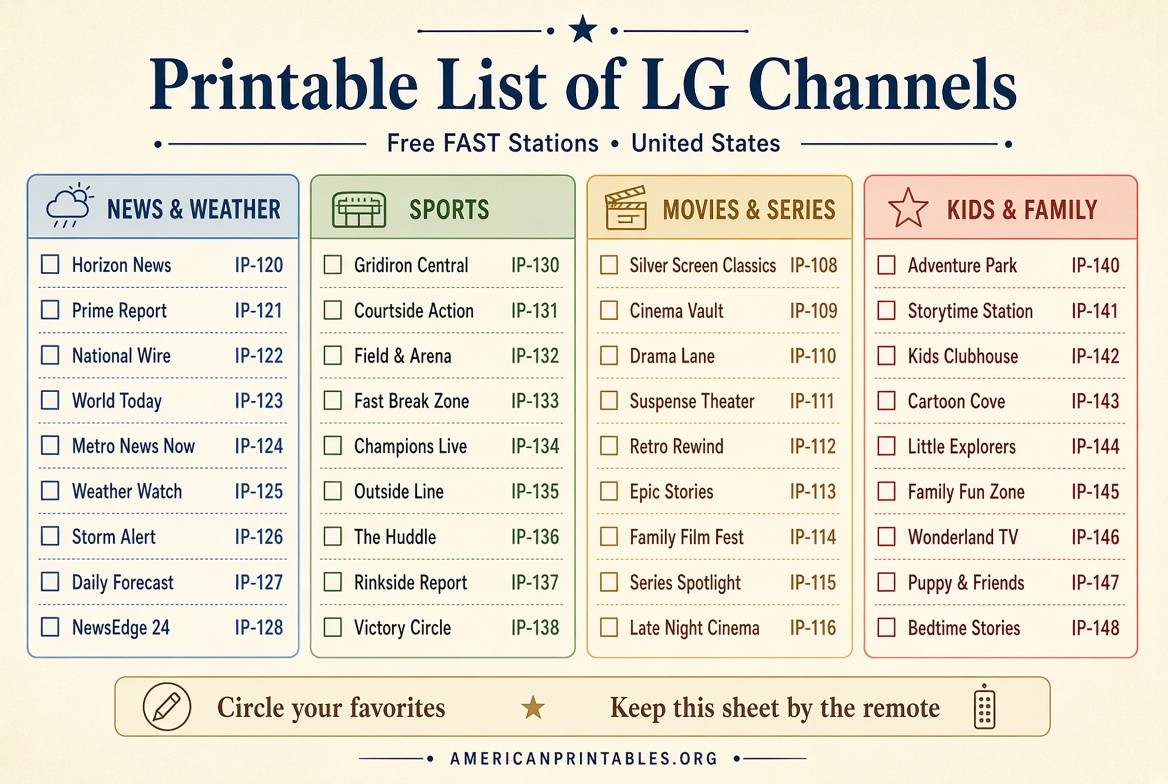
Printable LG Channels List | Free USA Guide – A printable list of LG Channels is a paper or PDF channel guide for LG’s free live-TV service. It helps you find news, sports, movies, kids shows, and local stations without hunting through menus.
LG does not publish an official paper guide. The most reliable options are LG’s own channel pages plus a few free, print-friendly PDFs. Use this page to get a legitimate list, open LG Channels on your TV, and keep a backup copy by the remote.
What LG Channels Is?
LG Channels is LG’s free, ad-supported live TV service on compatible LG Smart TVs and Smart Monitors. In the United States it is built into webOS. You do not need a cable box, login, or subscription.
LG currently advertises 400+ channels on U.S. sets, plus on-demand movies and shows. The mix includes national news, local news, sports, movies, comedy, lifestyle, Spanish-language channels, and kids programming. Exclusive FAST channels such as All Chewed Up, NCAA, and Matthew Berry’s Fantasy Life also appear in the U.S. lineup.
Availability is limited to supported 2016-and-later LG Smart TVs and Smart Monitors with an internet connection. The service is offered in the U.S.; channel counts and titles change by model, region, and partner.
Why People Want a Printable List?
The on-screen guide is complete, but a printed LG Channels list is useful when you want to:
- Scan channel numbers faster than scrolling the TV guide
- Keep favorites next to the couch or Magic Remote
- Help kids or guests find a station without the menu
- Compare news, sports, and movie channels at a glance
- Mark stations you actually receive (not every ZIP code gets every feed)
Treat any printed list as a snapshot. Partners add and drop stations, and local news channels vary by market.
Where to Get a Legitimate Free Printable?
Start with official LG pages, then use a free PDF only as a paper backup.
1. Official LG Channels page (best first stop)
LG’s U.S. page is the current source for how the service works, featured channels, and device support:
LG Channels | Free Live TV, Movies, and Shows | LG USA
Use this page to confirm the service is free, see featured channel numbers, and open the Watch Now player.
2. Official “how to watch” guide (includes the channel list note)
LG Support explains setup and says channel information lives on the LG Channels website:
How do I watch LG Channels? | LG USA Support
LG notes that the number of channels can change and that the list varies by country.
3. Free numeric printable PDF
This is the closest match to a classic cable-style channel card. It lists stations by number and is designed for home printing:
LG Channels List | Printable Channel Guide | Numeric (free PDF)
The publisher marks it free and print-friendly. The file is a January 2022 snapshot of about 356 U.S. stations. Cross off anything your TV does not carry.
4. Free A-to-Z printable PDF
If you remember network names better than numbers, use the alphabetical version:
LG Channels Lineup Guide | Alphabetic (free PDF)
Same site, same 2022 vintage, same “not affiliated with LG” disclaimer. Both PDFs are useful as worksheets, not as a live official lineup.
5. Live web lineup you can print from your browser
For a more current numbered list, open this LG Channels web lineup and use your browser’s Print dialog (File → Print, or Ctrl/Cmd + P):
LG Channels Channel Lineup (web list)
This page lists stations with IP channel numbers (for example, IP-120 ABC News Live and IP-121 NBC News NOW). Print only the pages you need, or save it as a PDF.
Printable LG Channels List | Free USA Guide
How to Open LG Channels on a U.S. TV?
You need a 2016-or-later LG Smart TV or Smart Monitor, working Wi-Fi or Ethernet, and the TV region set to the United States.
- Update the TV firmware if a notice appears.
- Press Home (or Input/Source) on the remote.
- Select LG Channels, or press the dedicated LG Channels button on a Magic Remote.
- Accept the terms the first time you launch it.
- Browse live channels and on-demand titles by genre.
No LG account is required. If you see a region error, check Settings → region/location and turn off any VPN.
You can also watch a web version in a browser at lgchannels.com. The TV lineup is usually fuller than the phone, tablet, or PC version.
What a Typical U.S. List Includes?
Exact numbers move, but U.S. guides usually group stations like this:
News and weather: ABC News Live, NBC News NOW, CBS News 24/7, LiveNOW from FOX, CNN Headlines, Bloomberg, BBC News, Scripps News, AccuWeather, plus Local Now and other local feeds in many markets.
Sports: NCAA, MLB, NFL-branded FAST channels, FIFA+, fantasy sports, and outdoor or motorsports channels.
Movies and series: Hallmark Movies & More, ION, Law & Order, Lifetime movie channels, classic and genre movie feeds, and LG showcase channels.
Kids and family: Baby Shark and other children’s FAST channels, plus family movie blocks.
Lifestyle and originals: cooking and home shows, including LG exclusives such as All Chewed Up and Majordomo TV with David Chang.
Local news is the biggest variable. LG has added stations from Local Now, Scripps, FOX Television Stations, Sinclair, and others, so two houses in different cities will not see the same local row.
How to Make Your Own Accurate Printable?
A homemade list stays closer to what your TV actually receives.
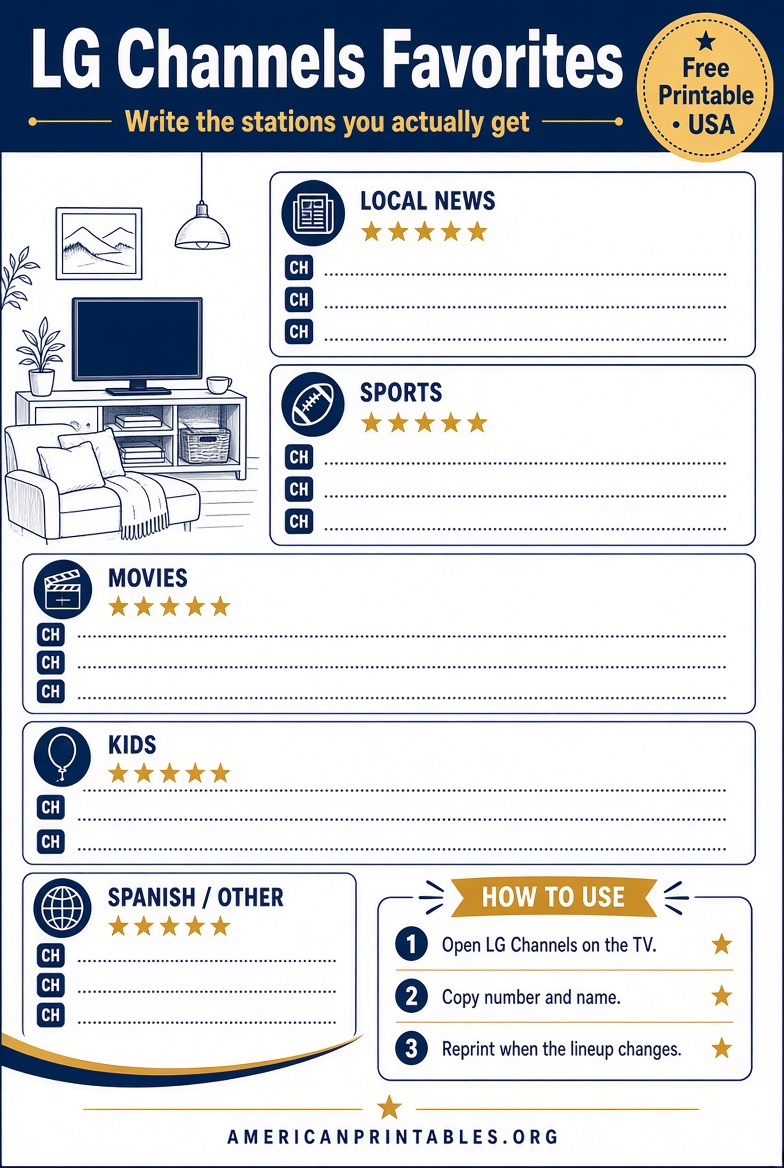
- Open LG Channels and the on-screen channel list or guide.
- Write down the IP number and name for stations you watch.
- Group them: News, Sports, Movies, Kids, Spanish, Favorites.
- Type the list in Word, Google Docs, or Notes.
- Print on US Letter paper in landscape if the table is wide.
- Leave a blank “My number” column in case LG remaps a station.
Update the sheet when a favorite disappears or a new local news channel shows up.
Printing Tips for US Letter Paper
- Use Letter (8.5 × 11 in) and shrink-to-fit if columns clip.
- Print the numeric PDF for channel surfing; print the A–Z PDF for name lookup.
- Use large type if older family members will read it.
- Put a star next to 8–12 everyday channels instead of printing every row.
- Recycle old copies. A 2022 PDF will not match a 2026 TV exactly.
Quick Facts Before You Download
- LG Channels is free and ad-supported. You should never pay a site for the official service itself.
- Third-party PDFs are unofficial. Prefer pages that say they are free and that they are not LG.
- Channel numbers on LG Channels are IP numbers (often shown as IP-120), not cable or DirecTV numbers.
- A printable list does not unlock extra channels. If a station is missing on the TV, it is not in your market or has been removed.
FAQ
Is there an official LG printable channel card?
No. LG points viewers to the TV guide and the LG Channels website. Free PDFs from independent sites are unofficial backups.
Is the printable list the same in every U.S. city?
No. National FAST channels are widely shared, but local news and some sports feeds depend on your market.
Do I need cable or an antenna?
No. LG Channels streams over your home internet. An antenna is only for over-the-air broadcast channels, which are a separate list.
Why doesn’t a PDF channel appear on my TV?
The PDF may be old, the station may have left the service, or it may not be offered on your model or in your ZIP code. Trust the TV guide first.
Can I use LG Channels without an LG TV?
LG also offers a web player and mobile access, but the TV app is the full U.S. experience.
Will a printed list work next year?
Use it as a starting point. Recheck featured channels on LG’s site and reprint your short favorites list a few times a year.
A printable list of LG Channels is most helpful when you treat official LG pages as the live source and use a free PDF only as a couch-side cheat sheet. Download a legitimate guide, confirm the stations on your own TV, and keep the paper copy short enough that you will actually use it.